Choosing a teaching app is one of the biggest decisions a teacher, YouTube educator or coaching institute makes. The right app decides how students learn, how you collect fees, how your brand grows and how much time you spend on admin instead of teaching.
There is no single “best” teaching app for everyone. The right choice depends on what you teach, how you teach it and where your institute is today. This guide brings together everything you need to decide, step by step, with links to our detailed guides on each part.
Quick answer: how to choose a teaching app
Start by deciding whether you need an app now, then match the app to how you teach. Look for live classes and recorded courses in one system, online tests with useful analysis, in-app payments with automatic access, student and batch management, notifications, content security and your own branding. Before you sign up, check who owns your student data, how pricing grows with students, and test the app yourself as a student on a phone.
Step 1: Decide whether you need a teaching app yet
Not every institute needs an app on day one. If you run one small batch in one room, simple tools may be enough for now. If you run several batches, spend evenings on fee follow-ups, get regular requests for recordings, or want to teach students outside your area, an app will likely save you time and bring in new students.
- When a small coaching institute needs a teaching app: the practical signs you are ready, and what to check before choosing
- Should a small coaching institute adopt a teaching app?: pros, cons, cost against time saved, and a quick scorecard
Step 2: Choose how the app will be built and branded
Most educators are better off using a teaching app platform than building from scratch. The next question is whether students will see your brand or a marketplace full of other teachers.
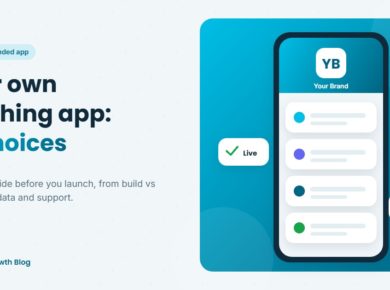
- Your own branded teaching app: 10 choices to get right: build vs platform, name, devices, payments, data ownership, pricing and support
- Own branded app for a coaching institute: benefits, features and how to start
- Coaching app development cost: what building your own app really costs
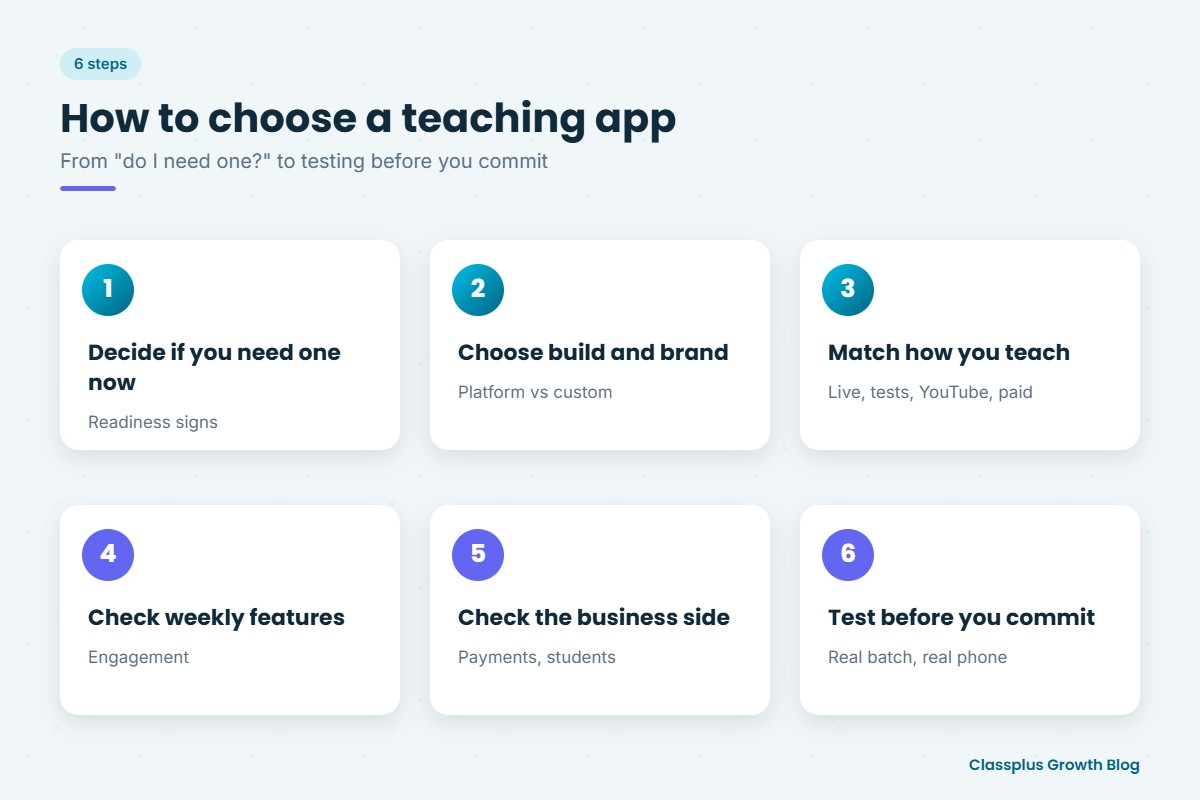
Step 3: Match the app to how you teach
Different teaching models need different strengths.
| Your situation | What matters most | Read this |
|---|---|---|
| You teach live and want recordings too | One system for live classes and recorded courses | Live classes and recorded courses |
| You only teach live classes | Stable live classes on mobile data | Live class app for teachers |
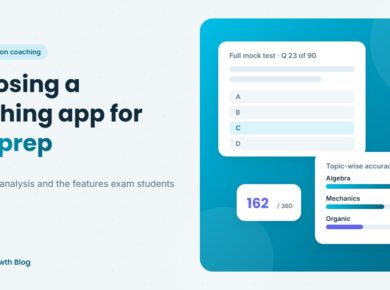
| You run test prep for competitive exams | Mock tests, question banks and analysis | Teaching app for test preparation |
| You have a YouTube audience | Your own brand, free content and paid courses in one app | Teaching app for YouTube educators |
| You are moving from free to paid content | Free and paid content together, easy payments, coupons | Switching from free to paid courses |
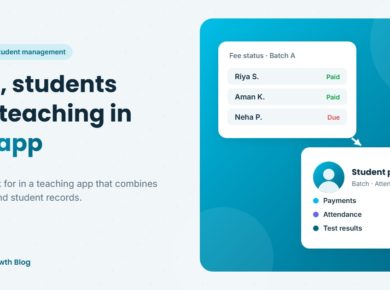
| You run a coaching institute with several batches | Fees, students, batches and attendance in one place | Payments and student management |
Step 4: Check the features students will use every week
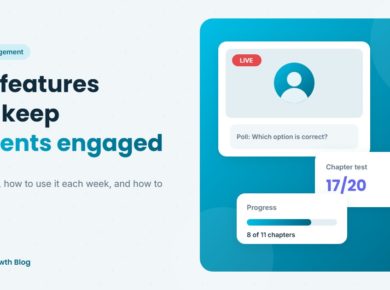
An app only works if students keep opening it. Look for interactive live classes, a clear way to ask doubts, automatic recordings, short regular tests with instant results, progress tracking, sensible notifications and attendance tracking.
- Teaching app features that improve student engagement: 10 features, a weekly routine and the signals to measure
Step 5: Check the business side
Payments, records and operations decide how smoothly your institute runs.
- Teaching app with payments and student management: in-app payments, fee types, coupons, student profiles and the questions to ask
- Coaching institute management software: admissions, fees and operations in one system
Step 6: Test before you commit
Every app looks good in a demo. Before you decide:
- Use your real setup. Ask for a demo with one real batch, one real test and your real fee structure.
- Join as a student. Use your own phone, on mobile data, and attend a live class.
- Check the parent’s view if parents pay fees or follow progress.
- Ask about data. Confirm you can export your student and payment records.
- Work out the cost as you grow. Check pricing at today’s size and at two or three times that size.
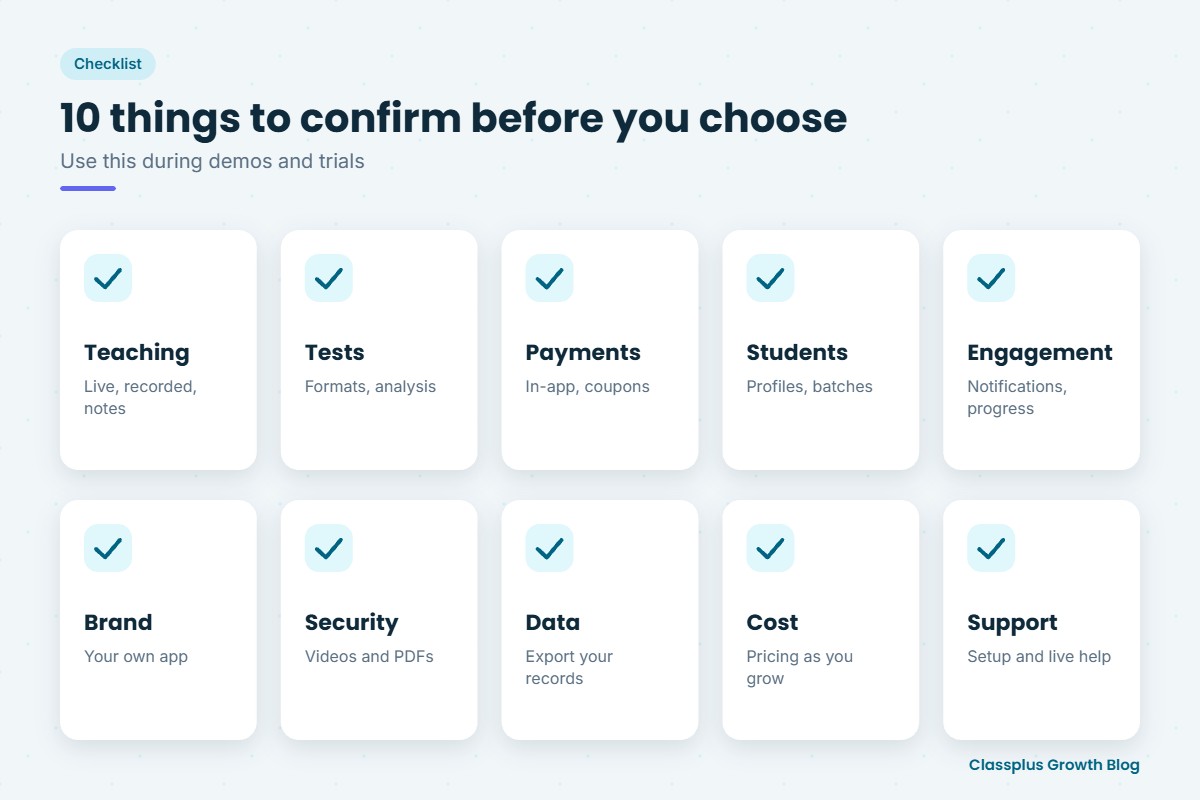
A quick checklist
| Area | What to confirm |
|---|---|
| Teaching | Live classes, recorded courses, notes, automatic recordings |
| Tests | Question formats, exam-like settings, instant results, analysis |
| Payments | In-app payments, fee types, coupons, automatic access, payouts |
| Students | Profiles, batches, attendance, performance reports |
| Engagement | Notifications, progress tracking, doubt-solving |
| Brand | Your own app name and logo, not a marketplace listing |
| Security | Protection for videos and PDFs |
| Data | Export of student and payment records |
| Cost | Clear pricing and how it grows with students |
| Support | Help with setup and quick fixes during live classes |
How Classplus fits in
Classplus helps teachers, YouTube educators and coaching institutes run their own branded teaching app and website. It brings together live classes, recorded courses, online tests and test series, fee payments, coupons, batch management, attendance, test performance, notifications and content security, under your own name.
To see how it would work for your teaching, book a free demo with Classplus.
Frequently Asked Questions
How do I choose a teaching app?
Decide whether you need an app now, then match it to how you teach. Check live and recorded classes, tests, payments, student management, engagement features, branding, content security, data ownership, pricing and support, and test the app yourself as a student.
What is the best teaching app in India?
There is no single best app for everyone. The best choice is the one that fits your teaching model, carries your own brand, works well on students’ phones and brings classes, tests, payments and student records together in one place.
Should I use my own branded app or a marketplace app?
A marketplace app can be quicker for trying online teaching, but students see other teachers there. Your own branded app builds your name and keeps the student relationship with you.
What features should every teaching app have?
Live classes, recorded lectures, notes, online tests with instant results, in-app payments, batch management, attendance, notifications and content security cover what most teachers and institutes need.
How much does a teaching app cost?
It depends on whether you build from scratch or use a platform, and on how the platform charges. Compare the full cost at your current size and as you grow, including any payment or storage charges.
How long does it take to move my institute onto a teaching app?
Many institutes can move one pilot batch within a few weeks. Starting with one batch, then adding the rest, makes the move smoother for students and teachers.