Most small coaching institutes start the same way. A register for attendance, a WhatsApp group for each batch, a notebook for fees, and a printer for tests. For the first few batches, that is enough. You know every student by name, and you can fix any problem with a phone call.
Then the institute grows a little. A second batch becomes four. A few students ask for recordings because they missed class. A parent asks why their child’s test result came three weeks late. Your evenings go into fee reminders instead of lesson planning.
That is usually the point where teaching apps for coaching institutes start to make sense. This guide covers the practical signs that you are ready, the signs that you are not ready yet, and what to check before you choose an app.
What a teaching app actually does for a coaching institute
A teaching app brings the daily work of running classes into one place that students, teachers and you can all use from a phone. Depending on the app, that can include:
- live classes and recorded lectures
- notes, PDFs and assignments
- online tests with automatic results
- fee collection and payment records
- batches, timetables and attendance
- announcements and notifications to students
Broadly, there are three ways small institutes handle this:
| Option | What it looks like | Good for | Watch out for |
|---|---|---|---|
| Free generic tools | WhatsApp, Google Meet, Google Forms, YouTube unlisted links | One or two batches, early days | Scattered data, no fee tracking, easy to share content outside |
| A teaching app on someone else’s brand | Your courses listed inside a shared marketplace app | Trying online teaching with little setup | Students see other teachers, and the student relationship is not fully yours |
| Your own branded teaching app | An app with your institute’s name and logo, on the Play Store | Institutes building a long-term brand | Needs some time to set up and keep content updated |
If you want to understand the costs of building an app from scratch versus using a platform, our guide on coaching app development cost breaks it down.
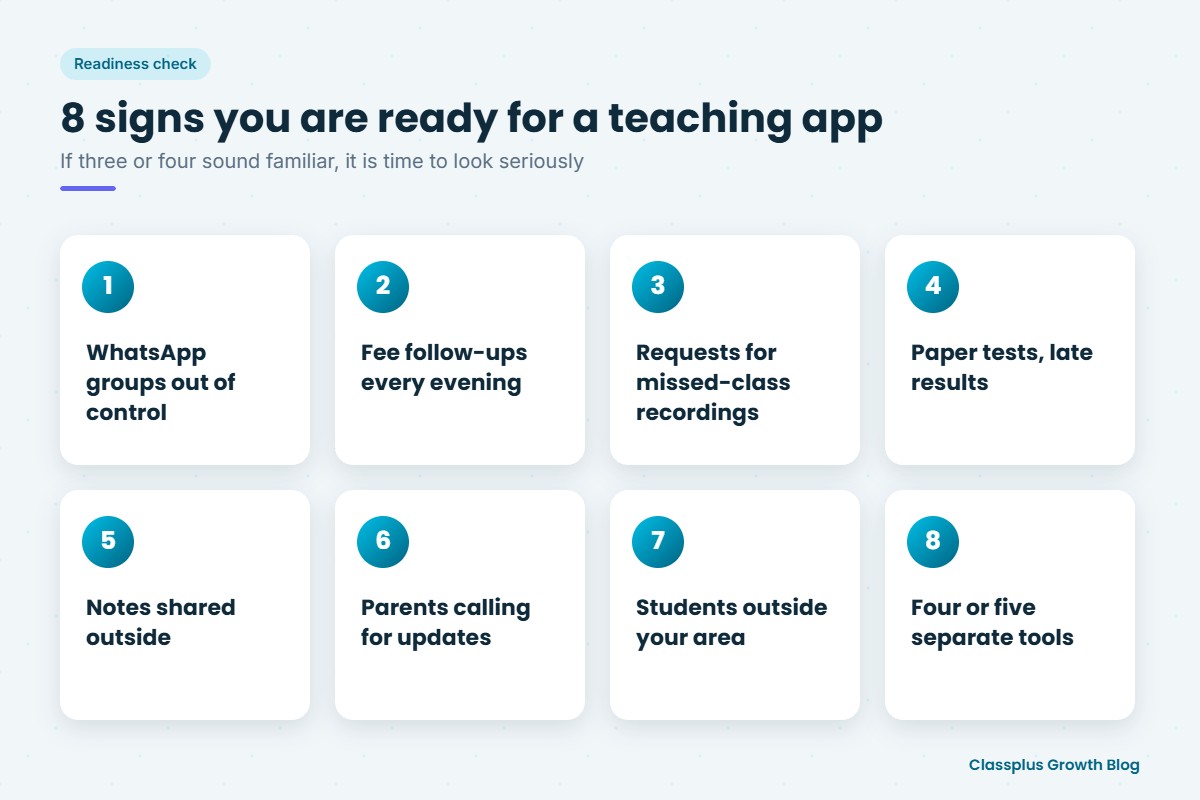
8 signs your coaching institute is ready for a teaching app
You do not need all of these. If three or four sound familiar, it is worth looking seriously.
1. Your WhatsApp groups are out of control
Notes, doubts, announcements, fee reminders and “good morning” messages all go in the same group. Important files get buried, and students keep asking for the same PDF again. When you run several batches, you end up posting the same thing in five groups.
2. Fee follow-ups take up your evenings
If you spend hours each month checking who has paid, sending reminders and writing receipts by hand, you are losing teaching time. A teaching app with online payments shows who has paid and who has not, without a register.
3. Students ask for recordings of missed classes
Students fall ill, travel for exams or have school events. When they ask “Sir, can you send the recording?”, you either re-teach the topic or send a link that can be forwarded to anyone. Recorded lectures inside an app solve both problems.
4. Tests are on paper and results reach students late
Printing, checking and entering marks for every test takes days. By the time results come back, the class has moved on. Online tests with automatic checking give students their score and mistakes right away, and give you batch-wise results to see who needs help.
5. Your notes are being shared outside your institute
Many teachers find their notes or recorded classes circulating in other groups. A teaching app with content security features makes casual sharing harder. No app can stop every form of copying, so check what protection is actually offered.
6. Parents keep calling for updates
When parents call to ask about attendance or test marks, each call is a small interruption. With attendance and test results recorded in one system, you can share regular updates instead of answering the same questions one by one. Our guide to parent communication for coaching institutes has more ideas.
7. You want to teach students outside your area
Students from other towns follow your YouTube videos or hear about you from friends, but they cannot attend in person. An app lets you run online or hybrid batches without opening a new centre. Our guide on how to take your coaching institute online covers this in detail.
8. You are juggling four or five separate tools
One tool for live classes, another for tests, a spreadsheet for fees, a drive for notes and WhatsApp for everything else. Each tool is free or cheap, but together they cost you time, and your student data is spread everywhere.
When you may not need a teaching app yet
A teaching app is not the answer for every institute at every stage. You may want to wait if:
- you teach one small batch, and everyone is in the same room
- you are still testing whether there is demand for a new subject or class
- you do not yet have time to upload notes, create tests or record lectures regularly
In these cases, keep things simple, and keep good records. When the signs above start appearing, you will be ready to move.
What to check before choosing a teaching app
Every app looks good in a demo. These are the questions that matter for a small institute.
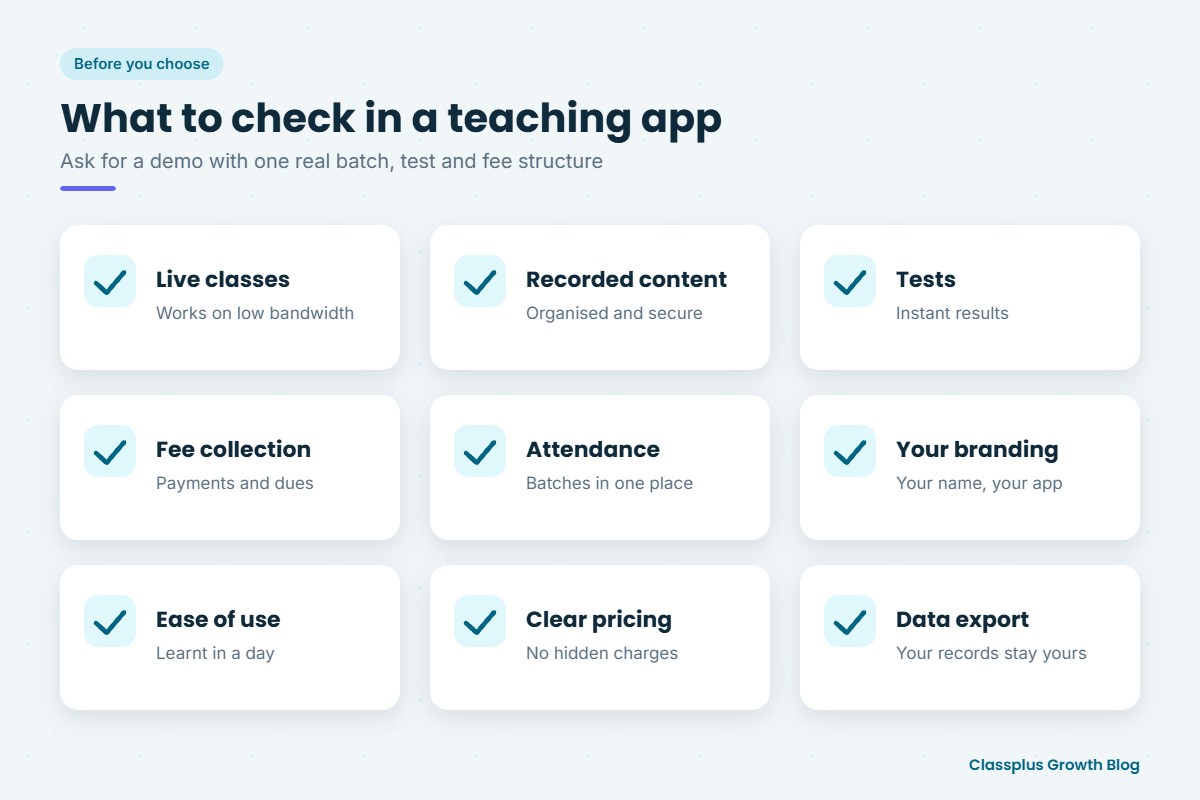
| Factor | Questions to ask |
|---|---|
| Live classes | Does it work on low-bandwidth mobile connections? Can students ask questions during class? Are classes recorded automatically? |
| Recorded content | Can you organise lectures by batch and chapter? What content security is offered? |
| Tests | Can you create tests quickly, including from your own question bank? Do students get instant results and solutions? |
| Fee collection | Can students pay inside the app? Can you see dues batch-wise? Can you offer discounts or coupons? |
| Batches and attendance | Can you manage several batches, timetables and attendance in one place? |
| Branding | Is the app in your institute’s name, or are you one teacher among many? |
| Ease of use | Can your teachers and students learn it in a day? Is support available in a language your team is comfortable with? |
| Cost | Is pricing clear? What happens to cost as you add students? Are there hidden charges for payments or storage? |
| Data | Can you export your student list and records if you ever switch? |
Ask for a demo with your own example: one real batch, one real test and one real fee structure. That shows you much more than a generic walkthrough.
For a wider view of tools that cover admissions, fees and operations as well as teaching, see our guide to coaching institute management software.
A simple 30-day plan to move your institute onto an app
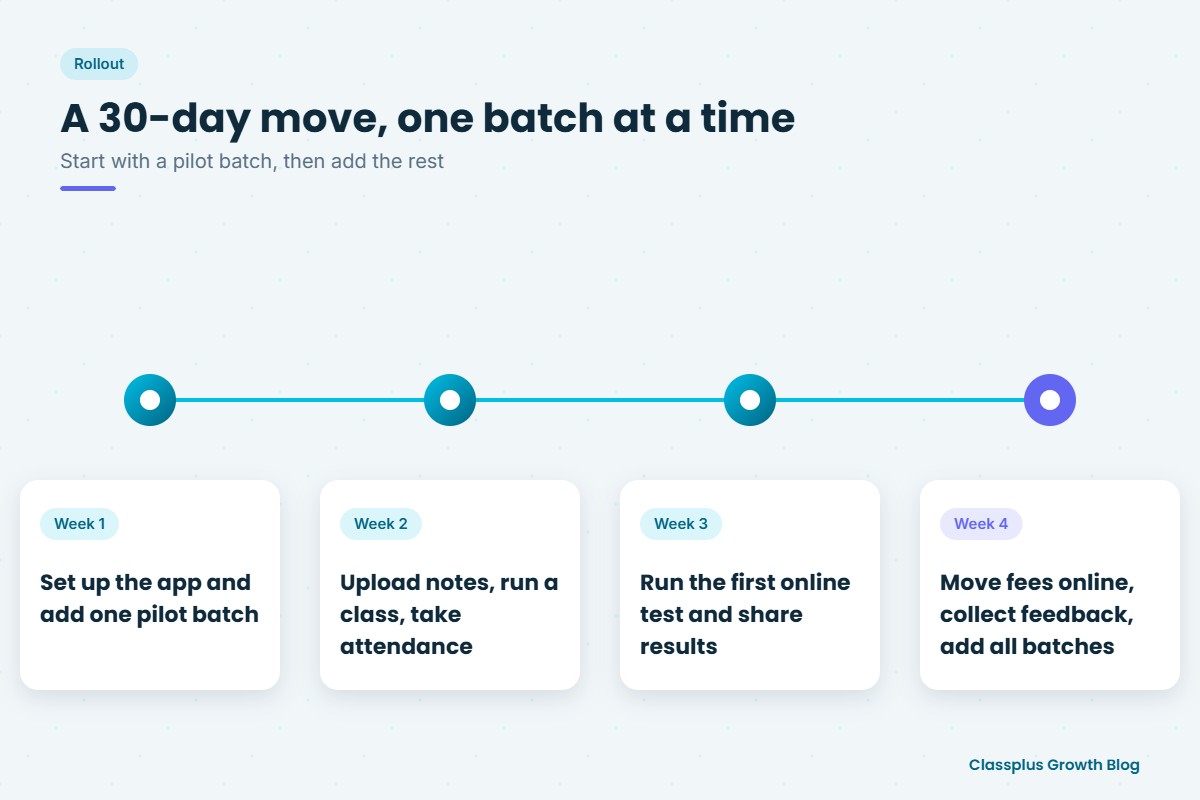
Small institutes do best when they move step by step rather than all at once.
| Week | What to do |
|---|---|
| Week 1 | Set up the app, create your batches, and add one pilot batch of students |
| Week 2 | Upload notes for the current chapter, run one live or recorded class, and start taking attendance in the app |
| Week 3 | Run your first online test and share the results with students |
| Week 4 | Move fee collection for the pilot batch to the app, collect feedback, then add your remaining batches |
Tell students and parents why you are moving and what will change for them. A short demo in class helps students who are new to apps. If you need help organising batches during the move, our guide to batch management is a good starting point.
Mistakes to avoid
- Choosing on price alone. A cheap app that students find hard to use costs you more in lost time and complaints.
- Moving everything on day one. Start with one batch, fix the small problems, then expand.
- Uploading content once and stopping. An app with outdated notes and no new tests loses students’ attention quickly.
- Ignoring teachers. If your teachers are not comfortable with the app, students will notice. Train them first.
- Keeping WhatsApp as the main channel. If important material still goes on WhatsApp, students will not open the app.
How Classplus helps small coaching institutes
Classplus helps coaching institutes and teachers run their own branded teaching app and website, with live classes, recorded courses, online tests, fee payments, batch management and attendance in one place. Many institutes start small with a single batch and add more as they grow. You can read more about what an own branded app for a coaching institute involves.
If you think your institute is ready, book a free demo with Classplus and see how it would work with your own batches.
Frequently Asked Questions
When should a small coaching institute start using a teaching app?
A good time is when you run several batches, spend a lot of time on fee follow-ups, get regular requests for class recordings, or want to teach students outside your area. If three or four of these apply, an app will likely save you time.
Are free tools like WhatsApp and Google Meet enough for a coaching institute?
They can be enough for one or two small batches. As you grow, scattered tools make it harder to track fees, share content securely and see each student’s progress in one place.
What features should a teaching app for coaching institutes have?
Look for live classes, recorded lectures, notes, online tests with instant results, fee collection, batch management, attendance and notifications. Content security and your own branding matter if you plan to grow.
Is it better to have my own branded app or use a marketplace app?
A marketplace app is quicker for trying online teaching, but your students see other teachers there. Your own branded app builds your institute’s name and keeps the student relationship with you, which matters more over time.
How long does it take to move a coaching institute onto an app?
Many small institutes can move one pilot batch within a few weeks. Starting with one batch, then adding the rest after fixing early issues, makes the move smoother for students and teachers.
Will students and parents accept a teaching app?
Most students already use apps daily. Explaining the change, giving a short demo in class and keeping the app as the main place for notes, tests and announcements helps everyone settle in quickly.