Getting students to download your app is the easy part. Getting them to open it every day, watch the lectures, take the tests and finish the course is much harder. Many teachers notice the same pattern: strong interest in the first week, then fewer students in live classes, unwatched recordings and tests that only a handful attempt.
Engagement is not just a nice extra. Engaged students learn more, get better results, renew their courses and recommend you to friends. Disengaged students quietly drop off.
The right teaching app features can make a real difference, but only when they are used well. This guide covers the teaching app features that improve student engagement, how to use each one, and how to tell whether it is working.
Why students disengage from online learning
Before looking at features, it helps to understand why students drift away:
- No routine. Without fixed class times and deadlines, studying slips down the list.
- Feeling invisible. In a large online batch, students feel nobody notices whether they show up.
- Unclear progress. Students cannot tell whether they are improving.
- Doubts pile up. A few unanswered questions make the next chapter feel impossible.
- Too much in one place, or too scattered. Content is either disorganised or spread across WhatsApp, YouTube and Drive.
Good engagement features address these problems directly.
Features that keep students engaged during live classes
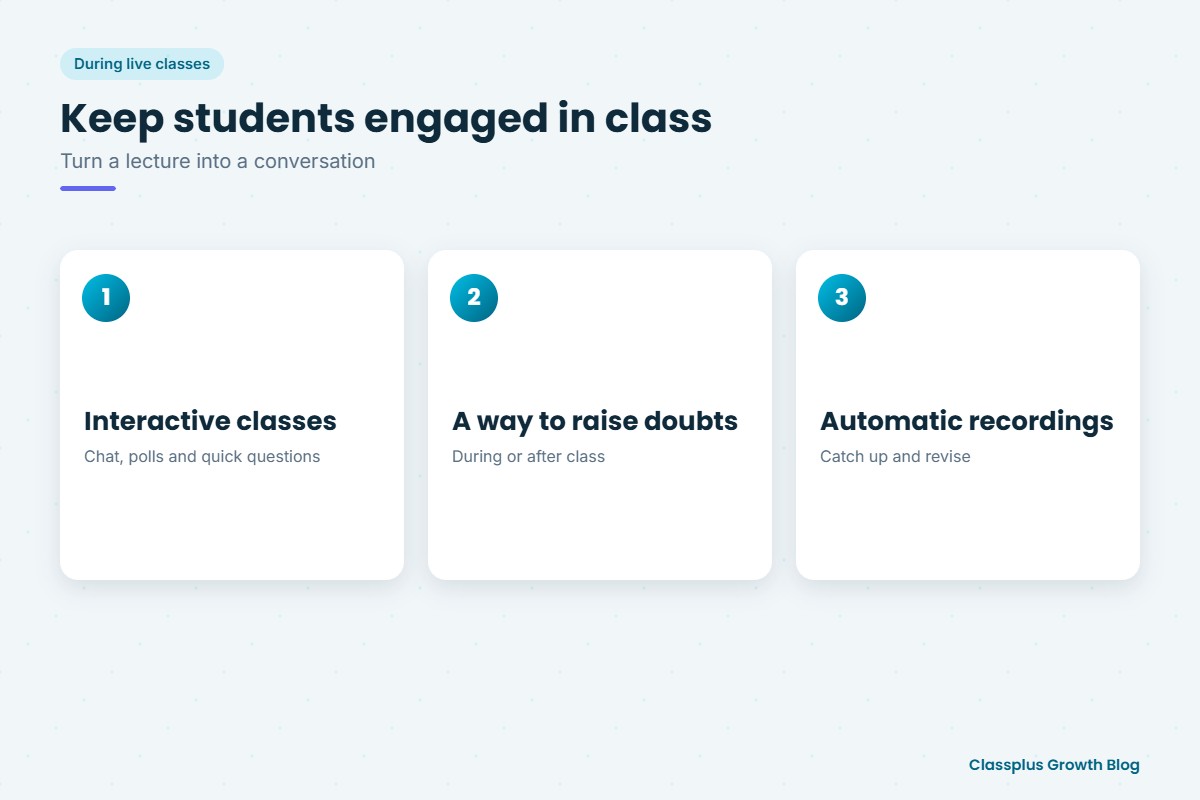
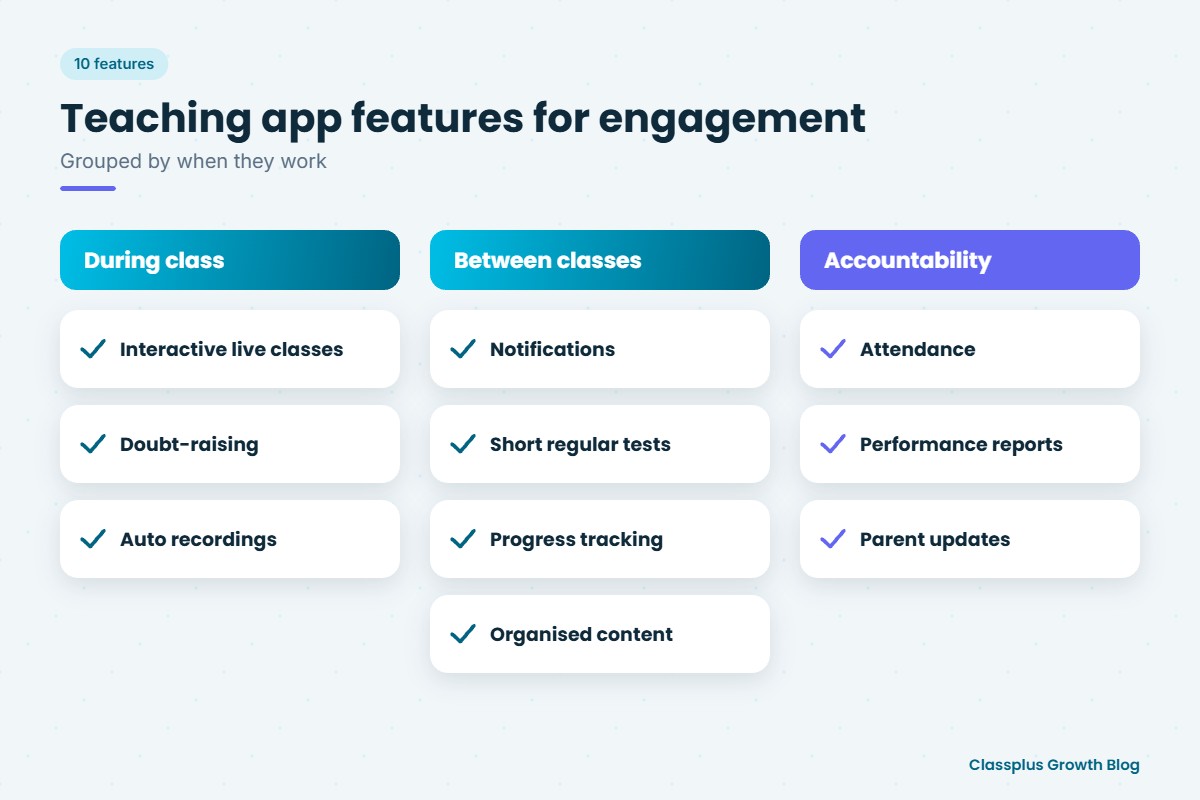
1. Interactive live classes
Chat, polls and quick questions during class turn a lecture into a conversation. Ask a question every 10 to 15 minutes and let students answer in chat. It keeps attention and shows you who is following.
2. A way to raise doubts
Students should be able to ask doubts during or after class without feeling awkward. A clear system for doubts stops small confusions from becoming big gaps. Our guide on building a doubt-solving system explains how to organise this.
3. Automatic recordings
When every live class is recorded, students who missed it can catch up instead of falling behind. Recordings also help students revise before tests.
Features that keep students engaged between classes
4. Notifications and reminders
Short reminders before live classes, test deadlines and new uploads bring students back into the app. Keep them useful and not too frequent, or students will ignore them.
5. Short, regular tests
Small chapter tests or daily quizzes are one of the strongest engagement tools. They give students a reason to revise and a clear sense of progress. Instant results and solutions make them even more useful.
6. Progress tracking
When students can see which lectures they have completed and how their test scores are changing, they feel they are moving forward. Progress is motivating.
7. Well-organised content
Lectures, notes and tests arranged by subject and chapter make it easy for students to find what they need. A messy content library makes students give up quickly.
Features that build accountability
8. Attendance tracking
Recording attendance for live classes shows students that someone is paying attention. It also helps you spot students who are slipping before they drop out.
9. Performance reports
Batch-wise and student-wise test results show you who needs help. Use them to follow up personally with students who are struggling.
10. Updates for parents
For school students, parents are an important part of engagement. Sharing attendance and test performance keeps parents involved. Our guide to parent communication for coaching institutes has practical ideas.
How to use these features: a simple weekly rhythm
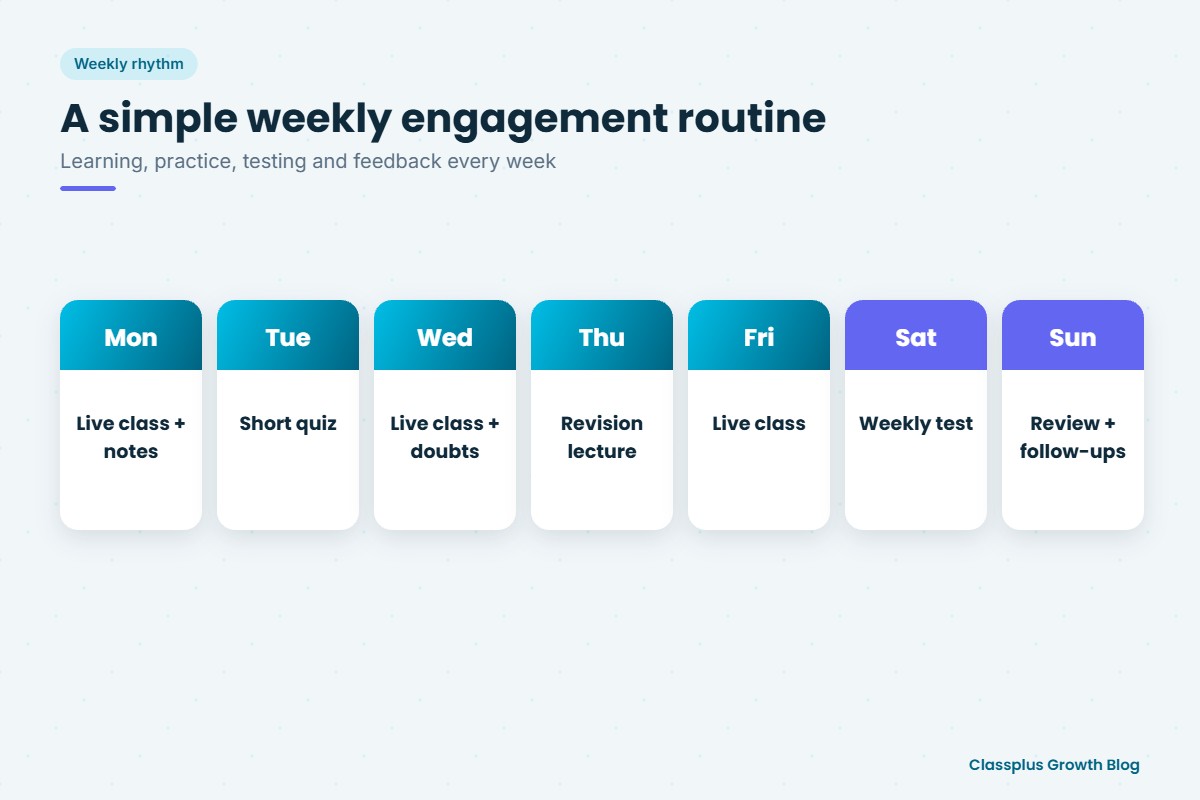
Features only work when they are part of a routine. Here is an example weekly rhythm you can adapt.
| Day | What happens in the app |
|---|---|
| Monday | Live class + notes uploaded for the week’s chapter |
| Tuesday | Short quiz on Monday’s topic |
| Wednesday | Live class + doubt session |
| Thursday | Recorded revision lecture + practice questions |
| Friday | Live class |
| Saturday | Weekly chapter test with instant results |
| Sunday | Performance summary; follow up with students who missed classes or scored low |
The exact days do not matter. What matters is that students know what to expect, and that every week includes learning, practice, testing and feedback.
How to measure engagement
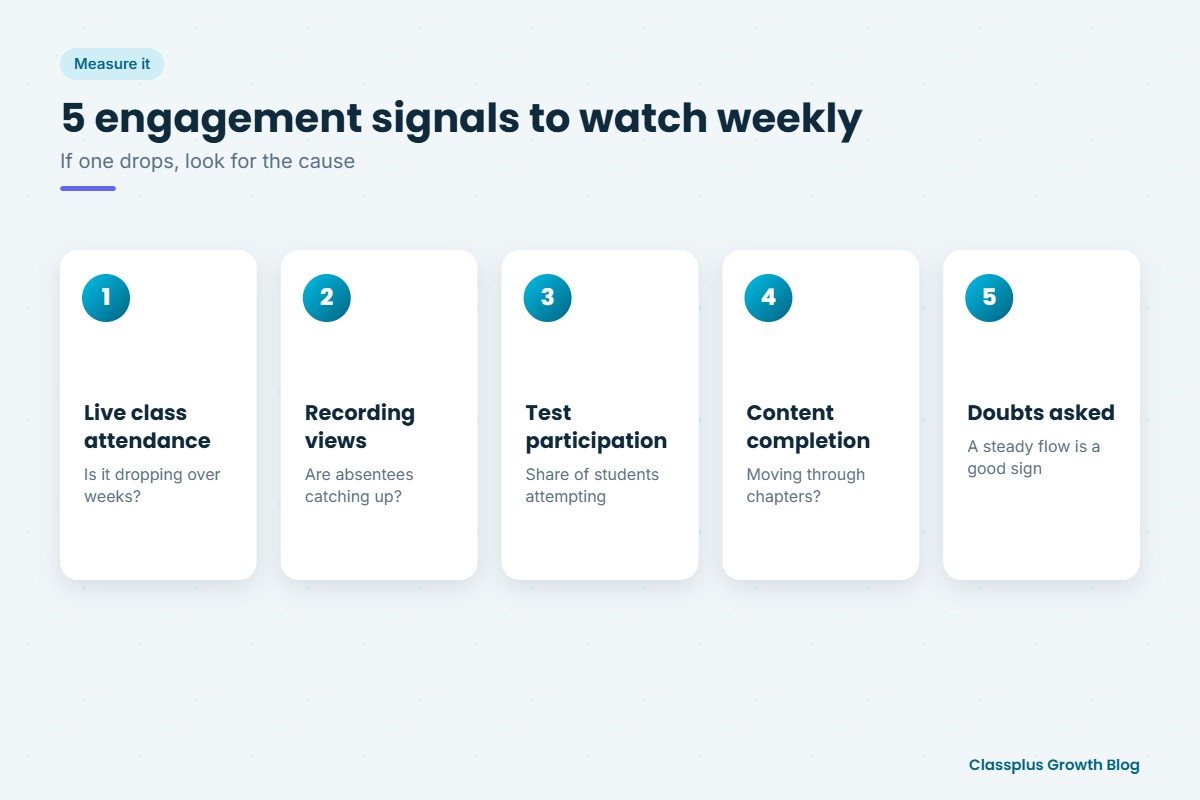
You do not need complex analytics. Watch a few simple signals every week:
- Live class attendance: how many students join, and does it drop over the weeks?
- Recording views: are students who missed class catching up?
- Test participation: what share of students attempt each test?
- Content completion: are students moving through chapters or stopping early?
- Doubts asked: a steady flow of doubts usually means students are actively studying.
If one number drops, look for the cause. A falling test participation rate may mean tests are too long or too hard. Falling attendance may mean class timings do not suit students.
For more ways to keep students enrolled over the long term, see our guide to student retention strategies for coaching institutes.
Mistakes that hurt engagement
- Too many notifications. Students mute apps that send messages all day.
- Uploading everything at once. A full course dumped on day one overwhelms students. Release content in steps.
- Tests without feedback. If students never see solutions or discuss mistakes, tests feel pointless.
- Ignoring the data. Attendance and test results are only useful if you act on them.
- Keeping WhatsApp as the main channel. If everything important goes on WhatsApp, students have no reason to open the app.
How Classplus helps you engage students
Classplus helps teachers and coaching institutes run their own branded teaching app and website. You can run live classes, share recorded lectures and notes, conduct online tests, track attendance and test performance, manage batches and send notifications, all in one place. If you are comparing apps, our guide to choosing a teaching app for live classes and recorded courses covers what to check.
To see how these features would work with your students, book a free demo with Classplus.
Related guide: For a step-by-step overview, read our complete guide on how to choose a teaching app.
Frequently Asked Questions
Which teaching app features improve student engagement the most?
Interactive live classes, a clear way to ask doubts, automatic recordings, short regular tests with instant results, progress tracking, reminders and attendance tracking are among the most useful. They work best as part of a weekly routine.
How can I increase attendance in online live classes?
Keep fixed class times, send reminders before each class, make classes interactive, track attendance, and follow up personally with students who miss several classes in a row.
Do short quizzes really help engagement?
Yes. Short, regular quizzes give students a reason to revise, show them their progress and help you spot topics the batch has not understood. Keep them short so students actually attempt them.
How many notifications should a teaching app send?
Only as many as students find useful, such as class reminders, test alerts and new content. Too many messages lead students to mute the app.
How do I know if my students are engaged?
Track live class attendance, recording views, test participation, content completion and doubts asked. A drop in any of these is a signal to investigate.
Can a teaching app replace personal attention from the teacher?
No. App features help you notice who needs attention and reach them faster, but personal follow-up from the teacher is still what keeps many students going.