Most coaching institutes run on two separate systems without realising it. Teaching happens in one place, through live classes, notes and tests. Money and records live somewhere else, in a fee register, a spreadsheet, a UPI app and a pile of WhatsApp screenshots.
That split causes everyday problems. A student who has not paid still gets access to the batch. A parent says they paid, but nobody can find the record. You spend the first week of every month matching payments to names.
A teaching app that combines digital payments and student management fixes this by keeping fees, students and teaching in one place. This guide explains what such an app should do, how to judge the options, and how to move your institute onto one.
Why payments and student management belong together
When fees and student records sit in the same system as your classes, three things become easier:
- Access follows payment. Students who pay get access to the right batch or course automatically. Students whose fees are overdue are easy to spot.
- One record per student. Admission details, batch, attendance, test scores and payment history sit together, instead of across four tools.
- Less manual work. No more matching UPI screenshots to names, or writing receipts by hand.
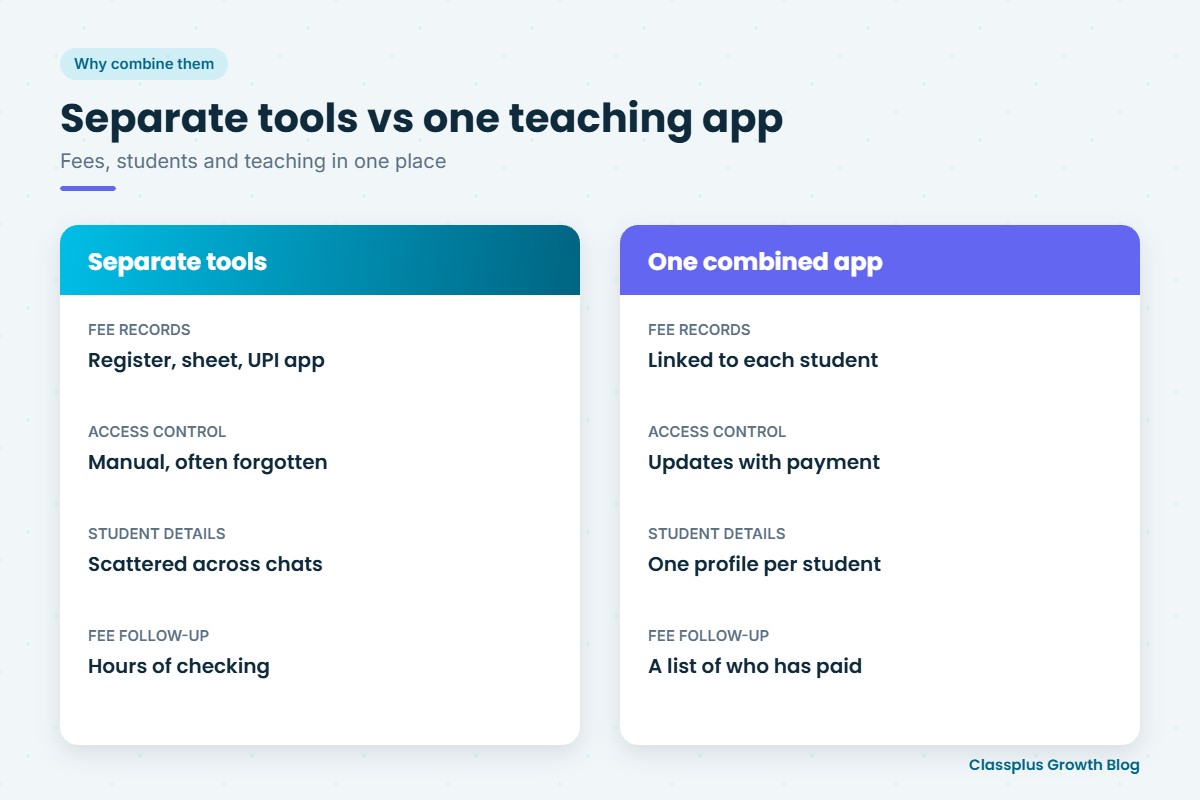
| Separate tools | One combined teaching app | |
|---|---|---|
| Fee records | Register, spreadsheet, UPI app | Inside the app, linked to each student |
| Access control | Manual, often forgotten | Linked to payment |
| Student details | Scattered across forms and chats | One profile per student |
| Monthly fee follow-up | Hours of checking | A list of who has and has not paid |
| Parent questions | Search through records | Answer from one screen |
Payment features to look for
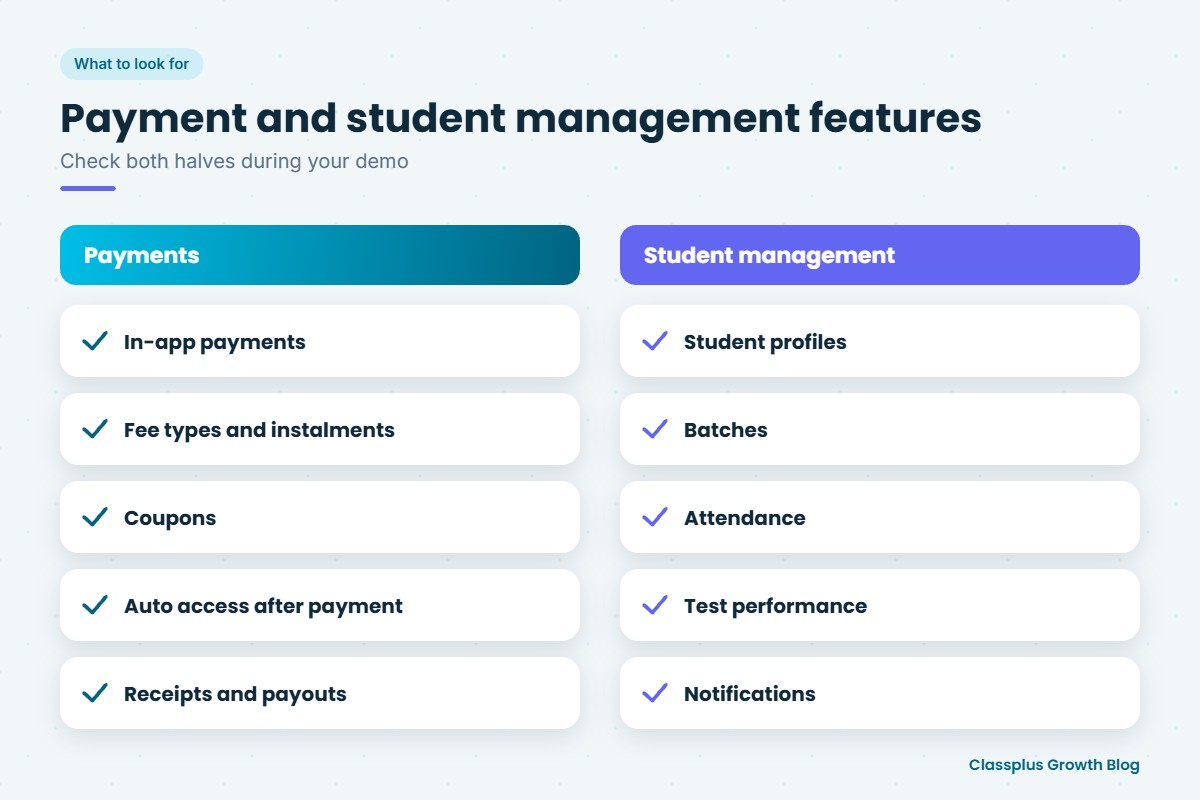
1. In-app payments on a phone
Students and parents should be able to pay inside the app in a minute, using the methods they already use, such as UPI, cards and net banking. Ask which methods are supported.
2. Different ways to charge
Coaching institutes rarely charge just one way. Check whether the app supports:
- one-time course fees
- batch or monthly fees
- instalments, if you offer them
- paid test series and add-on courses
3. Coupons and discounts
Early-bird offers, sibling discounts and scholarship-based concessions are common. A good app lets you create coupons and discounted prices without manual adjustments.
4. Automatic access after payment
When a student pays, they should get access to the right batch or course without you adding them by hand.
5. Clear records and receipts
Every payment should be recorded against the student, with a receipt the student can see. Ask how GST invoices and receipts are handled if you need them, and talk to your CA about your own tax requirements. Our guide to GST on online courses gives useful background.
6. Payouts and charges
Ask how and when money reaches your bank account, and what charges apply per transaction. Small differences add up over a year.
Student management features to look for
1. Student profiles
Each student should have one profile with contact details, batch, course access, attendance, test results and payment history.
2. Batch management
Create batches, assign students and teachers, and set timetables. Moving a student between batches should be simple. Our guide to batch management for coaching institutes explains good practices.
3. Attendance
Track attendance for live and offline classes, so you can spot students who are slipping.
4. Test performance
Batch-wise and student-wise results help you see who needs extra help and give you something concrete to share with parents.
5. Communication
Announcements and notifications to a whole batch or a single student keep everyone informed without dozens of WhatsApp groups.
How to judge the options
Every app looks good in a demo. Use these questions to compare them.
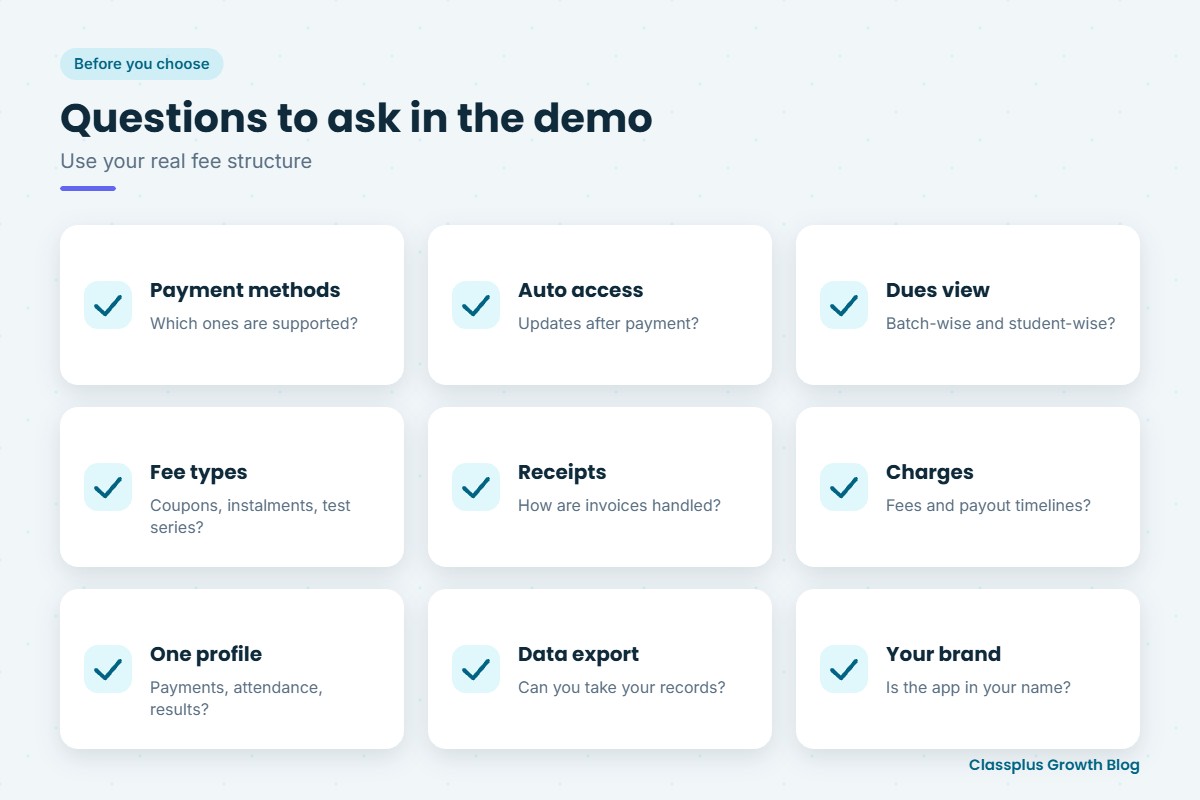
| Question | Why it matters |
|---|---|
| Can students pay inside the app, and which methods are supported? | Payment friction loses admissions |
| Does access update automatically after payment? | Saves manual work and prevents free access |
| Can I see dues batch-wise and student-wise? | Makes monthly follow-up quick |
| Are coupons, instalments and different fee types supported? | Matches how you actually charge |
| How are receipts and invoices handled? | Avoids disputes and tax confusion |
| What are the payment charges and payout timelines? | Affects your real income |
| Does each student have one profile with payments, attendance and results? | The core of student management |
| Can I export my student and payment data? | Keeps you in control of your records |
| Is the app in my institute’s name? | Builds your brand, not someone else’s |
Ask for a demo using your real fee structure: one batch with monthly fees, one course with a coupon and one student paying in instalments.
Moving your institute onto a combined app
- Clean up your records first. Make one list of current students, batches and fee status.
- Set up batches and fee plans in the app to match how you charge today.
- Start with new admissions or one batch, so you can test the payment flow.
- Tell parents clearly how to pay in the app, and what receipts they will receive.
- Move remaining batches once the first one runs smoothly.
- Stop accepting payments outside the app where possible, so records stay complete.
For a broader view of tools that run admissions and operations, see our guide to coaching institute management software. A clear written refund policy also helps once payments are online.
Mistakes to avoid
- Accepting some payments in the app and some outside it. Records quickly become incomplete.
- Ignoring payment charges when comparing apps.
- Not testing the parent’s view. Parents often pay, so check the experience on their phone.
- Moving everything at once without a pilot batch.
How Classplus combines payments and student management
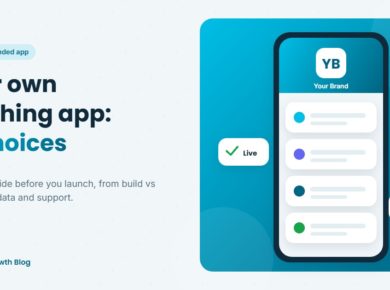
Classplus helps coaching institutes and teachers run their own branded teaching app and website, with fee payments, coupons, batch management, attendance and test performance alongside live classes, recorded courses and online tests. Payments, students and teaching sit in one place, under your institute’s name. For more on what a branded app involves, see our guide to choices when creating your own branded teaching app.
To see how your fee structure would work in your own app, book a free demo with Classplus.
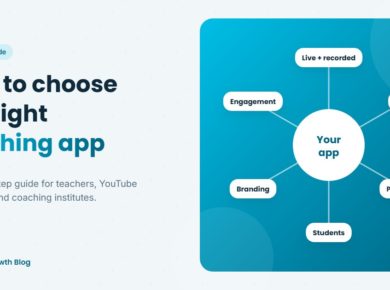
Related guide: For a step-by-step overview, read our complete guide on how to choose a teaching app.
Frequently Asked Questions
What is the best teaching app for digital payments and student management?
The best choice is an app that lets students pay inside the app, gives access automatically after payment, supports your fee types and coupons, and keeps each student’s payments, batch, attendance and results in one profile, under your own brand.
Can a teaching app collect fees through UPI?
Many teaching apps accept UPI along with cards and net banking. Ask each app which payment methods it supports, what the charges are and when payouts reach your bank.
Can I offer instalments and discounts in a teaching app?
Some apps support instalments, coupons and discounted prices. Check this during the demo using your own fee structure.
How does a teaching app help with fee follow-ups?
When payments are recorded in the app, you can see who has and has not paid by batch, instead of checking registers and screenshots, and follow up only where needed.
Do I still need a separate student management system?
If the teaching app includes student profiles, batches, attendance, test results and payment history, many coaching institutes do not need a separate system for day-to-day management.
Is it safe to collect payments through a teaching app?
Use an app that processes payments through established payment gateways and gives clear receipts. Ask about security, refunds and payout timelines before you start.