Many teachers build their audience for free. They post lectures on YouTube, share notes on Telegram, or run free batches on WhatsApp and Google Meet. Students like the teaching, the following grows, and then a familiar question comes up: how do I start charging without losing everyone?
Moving from free to paid courses is less about one big switch and more about building the right setup. The teaching app you choose plays a big part. It decides how easily students can find your paid course, pay for it, and get value that feels worth the money.
This guide explains what to look for in a teaching app for paid courses when you are moving from free content, and how to make the change smoothly.
Why the free-to-paid switch feels hard
Most teachers worry about the same things:
- “My students are used to everything being free.”
- “Will anyone pay if similar content is free on YouTube?”
- “I don’t know how to collect payments or give access properly.”
- “My free content is spread across YouTube, Telegram and WhatsApp.”
The good news is that students rarely pay for information alone. They pay for structure, a clear path to their exam, tests, doubt-solving and the feeling that someone is guiding them. Your free content builds trust. Your paid course gives them the complete system.
Free vs paid: what each should do
The cleanest approach is to give each part of your teaching a clear job.
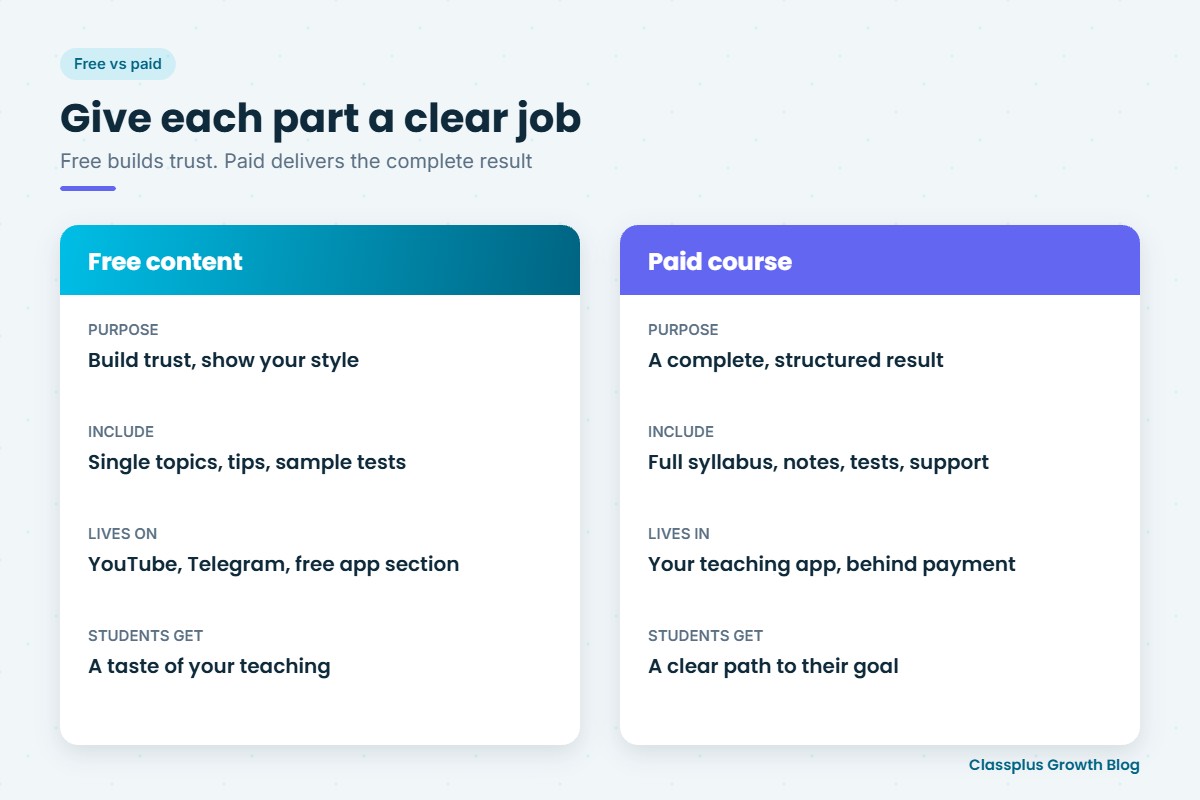
| Free content | Paid course | |
|---|---|---|
| Purpose | Build trust and show your teaching style | Deliver a complete, structured result |
| What to include | Single topics, tips, a few full lectures, sample tests | Full syllabus, notes, regular tests, doubt support, revision plan |
| Where it lives | YouTube, Instagram, Telegram, a free section of your app | Inside your teaching app, behind payment |
| What students get | A taste of your teaching | A clear path to their goal |
Do not make your free content worse to push students to pay. Keep it genuinely useful. The difference should be completeness and support, not quality.
What to look for in a teaching app for paid courses
When you are moving from free to paid, these features matter most.
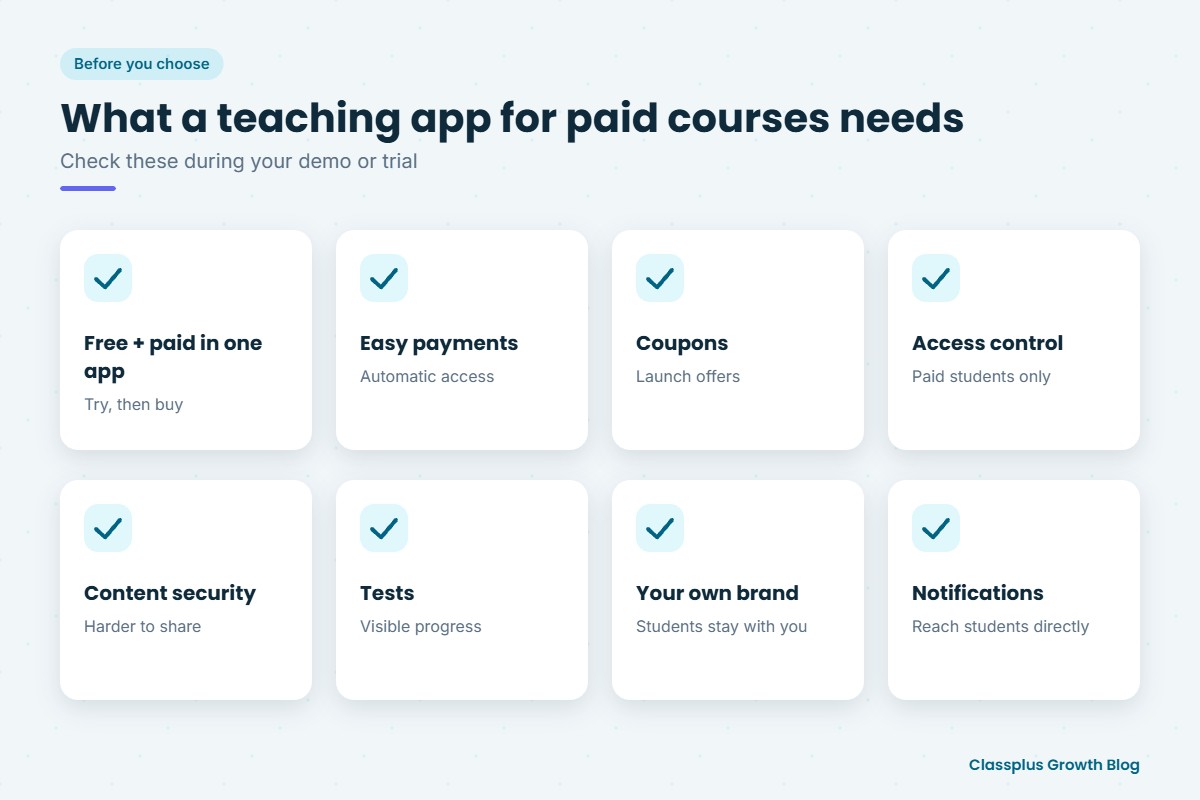
1. Free and paid content in the same app
Ideally, students should be able to download your app, try some free lectures or a free test, and then buy the full course without leaving. If free content is on one platform and paid on another, you lose students at every step.
2. Simple, reliable payments
Payment should take a minute, on a phone, using the methods your students already use, such as UPI, cards and net banking. Access should be given automatically after payment, without you sending links by hand.
3. Coupons and offers
Launch offers and early-bird coupons help your first students say yes. Look for an app that lets you create discount codes and limited-time prices.
4. Access control and content security
Paid content should be visible only to students who paid. Content security features make it harder for one paid student to share videos and notes with everyone else. Ask exactly what protection is offered, since no app can stop every form of copying.
5. Tests and progress tracking
Tests are one of the clearest ways to show the value of a paid course. Students can see their progress, and you can see who needs help.
6. Your own brand
If your paid course sits inside a marketplace, students see other teachers right next to you. In your own branded app, the students who came from your free content stay with you. Our guide to an own branded app for a coaching institute explains how this works.
7. Notifications
You will need to tell free users about your paid launch, offers and new batches. In-app notifications reach students where they are already learning.
A step-by-step plan to move from free to paid
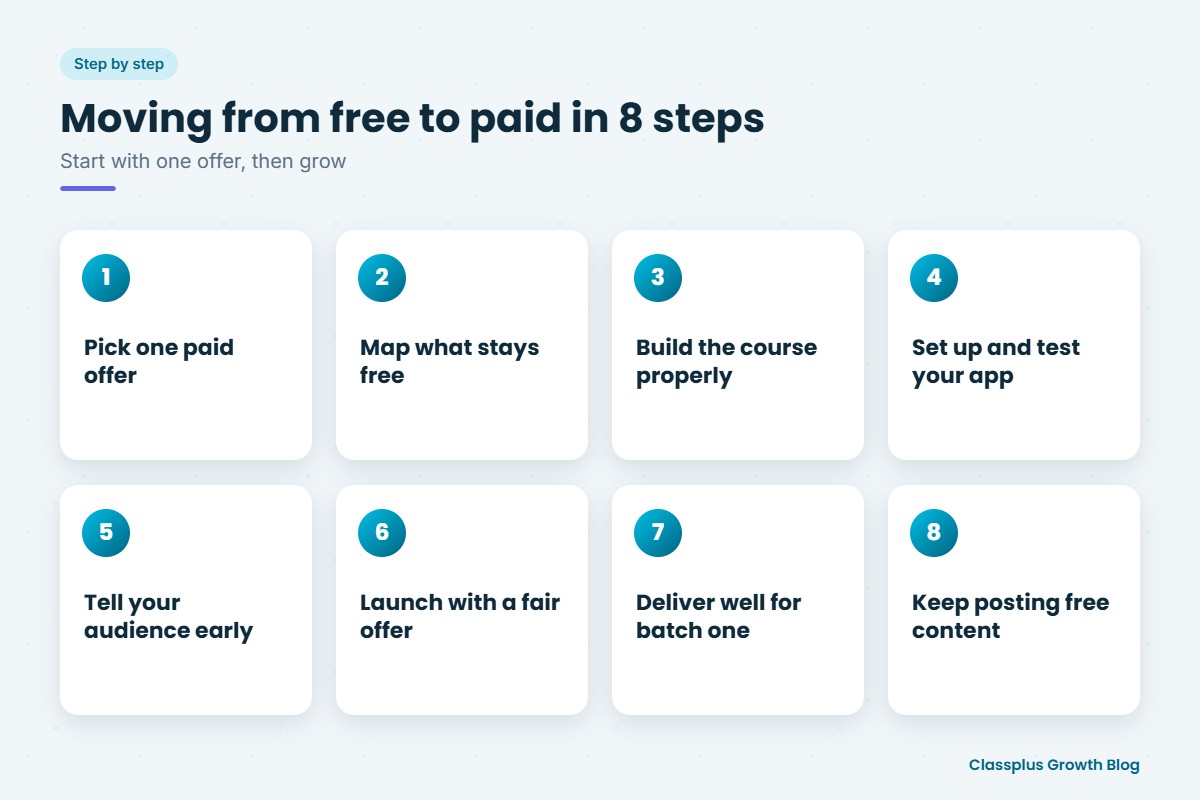
- Pick one paid offer. Start with a single course for one exam or class, not your whole catalogue.
- Map what stays free. Decide which lectures, notes and tests stay free. Keep them useful.
- Build the paid course properly. A clear syllabus, chapter-wise lectures, notes, tests and a revision plan.
- Set up your app. Add free content, the paid course and payment options. Test the purchase flow yourself.
- Tell your audience early. Announce the course on YouTube, Telegram and WhatsApp a week or two before launch. Explain what is included and why it is paid.
- Launch with a fair offer. An early-bird price or coupon for your existing followers rewards their loyalty.
- Deliver well for the first batch. Your first paid students are your best marketing. Ask for honest feedback and fix problems quickly.
- Keep posting free content. Your free content is what brings in the next set of students. If most of your audience is on YouTube, read our guide to choosing a teaching app for YouTube educators.
If you are unsure what to charge, our guide on how to price an online course walks through the options. If your audience is mainly on Telegram, see our guide to selling courses on Telegram and how it compares with an app.
How to talk to your free audience about paid courses
The way you announce your paid course matters as much as the course itself.
- Be honest about why. Students understand that teachers need to earn. Saying “this lets me give more time to tests and doubt-solving” is enough.
- Show what is different. List exactly what the paid course includes that free content does not.
- Promise that free content will continue. Many students worry it will stop.
- Show real student work. Share real feedback from your free students, with their permission, rather than invented numbers.
Mistakes to avoid
- Charging for everything at once. Students who loved your free content may feel cheated. Move step by step.
- Payment friction. Asking students to pay via a personal UPI ID and send a screenshot makes your course feel informal and is hard to manage.
- No clear difference. If your paid course looks like your free videos in a playlist, students will not see why it costs money.
- Ignoring the first batch. Poor delivery in your first paid batch spreads quickly in student groups.
How Classplus helps teachers move to paid courses
Classplus helps teachers and coaching institutes run their own branded teaching app and website. You can sell recorded courses and live batches, collect fee payments, offer coupons, run tests and send notifications to students, all under your own name. Students who found you through your free content can buy from you directly, in your app.
To see how your paid course would look, book a free demo with Classplus.
Frequently Asked Questions
Will my students pay if my content is free on YouTube?
Many will, if the paid course gives them something the free content does not: a full structured syllabus, tests, notes, doubt support and a clear plan. Students pay for completeness and guidance, not for single videos.
What should I keep free and what should I charge for?
Keep single topics, tips and a few full lectures free to show your teaching style. Charge for complete, structured courses with tests, notes and support.
What is the best teaching app for selling paid courses?
The best app for you is one that lets students try free content and buy paid courses in the same place. It should also handle payments and give access automatically, offer coupons, protect your content, and carry your own brand.
Should I stop posting free content once I start charging?
No. Free content is what brings new students to you. Keep posting useful free content and make it clear how the paid course goes further.
How should I price my first paid course?
Look at what similar courses charge, what your students can afford and how much support you include. A launch offer for early students is a good way to start.
Can I collect payments through UPI and give access automatically?
Many teaching apps accept UPI and other payment methods and give students access automatically after payment. This saves you from checking screenshots and adding students by hand.