YouTube has made thousands of Indian teachers known far beyond their own city. A good explanation of a tough chapter can reach students in every state. But views do not always turn into a steady income. Ad revenue changes from month to month, depends on YouTube’s rules, and is often small for educational content compared to the effort that goes into it.
That is why many YouTube educators add a teaching app alongside their channel. YouTube brings the audience. The app is where students pay for structured courses, tests and closer guidance.
This guide explains how YouTube educators can choose a teaching app to monetise their content, and how to connect the two without losing viewers.
Why YouTube alone is not enough for most educators
YouTube is excellent for reach. It is harder as your only income source.
- Ad income is unpredictable. It depends on views, the season, advertiser demand and YouTube’s own policies.
- You do not own the relationship. Subscribers are on YouTube’s platform. If the algorithm changes, your reach can drop overnight.
- Hard to offer structure. Playlists help, but YouTube is not built for full courses with tests, notes and progress tracking.
- Limited ways to support serious students. The students most likely to pay want doubt-solving, test series and a plan, which YouTube is not designed for.
YouTube also offers its own monetisation options, such as channel memberships, with eligibility rules that change over time. Check YouTube’s official help pages for the current requirements. Many educators use these as well as an app, not instead of one.
How YouTube and a teaching app work together
Think of your channel and your app as two parts of one system.
| YouTube channel | Teaching app | |
|---|---|---|
| Role | Discovery and trust | Learning and earning |
| Content | Free lectures, concept videos, tips, shorts, exam updates | Full courses, test series, notes, live batches |
| Audience | Everyone who might be interested | Students who want to go further with you |
| Income | Ads and any YouTube monetisation you qualify for | Course fees, batch fees, test series sales |
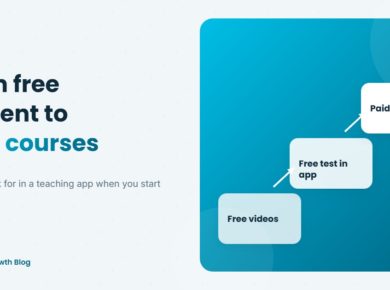
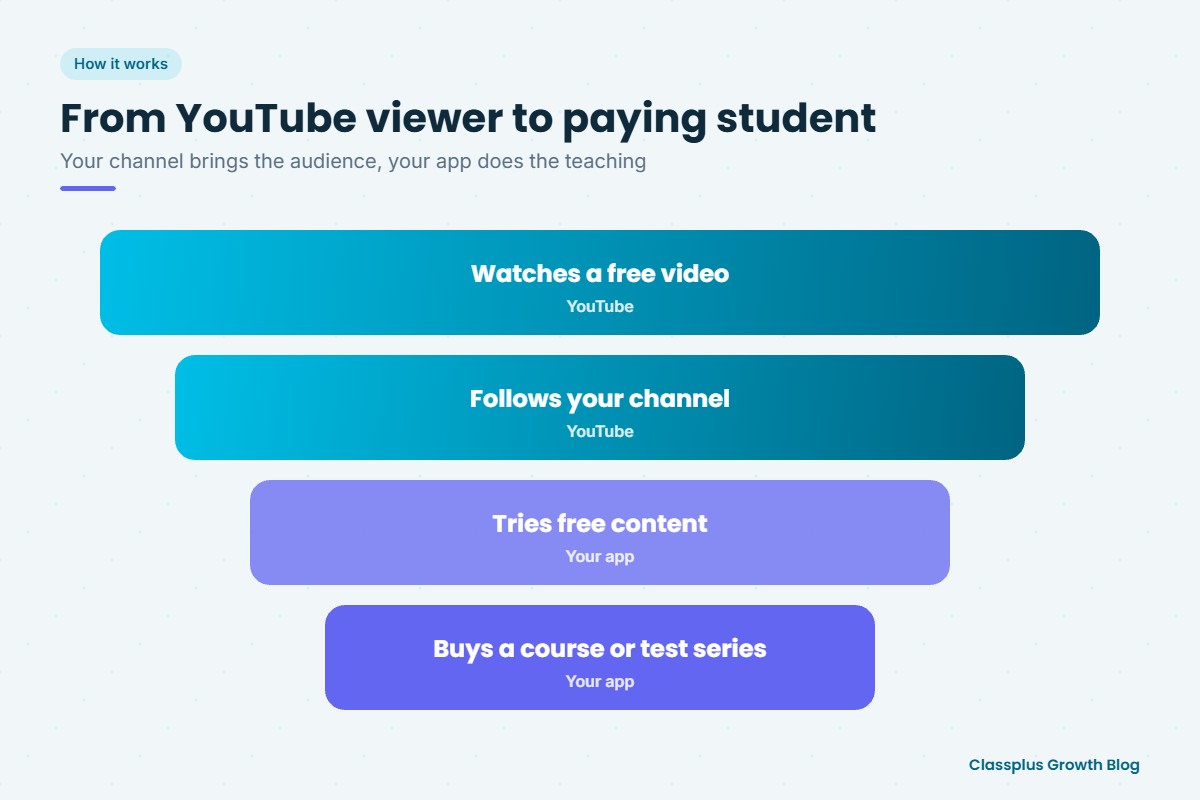
The path for a student looks like this: they find a video, like your teaching, follow your channel, try free content in your app, and then buy a course.
What YouTube educators should look for in a teaching app
1. Your own brand
Your viewers know you by name. When they download an app, it should carry your name and logo, not show you as one teacher among hundreds. A branded app keeps the trust you built on YouTube.
2. Easy to reach from YouTube
You will share your app link in descriptions, pinned comments, community posts and end screens. Getting from a video to the app, and from the app to a course, should take a few taps.
3. Free content inside the app
Let viewers try a few free lectures or a free test in the app before they buy. This is the bridge between free YouTube content and paid courses.
4. Live classes and recorded courses
Many YouTube educators sell recorded courses and also run live batches for serious students. An app that supports both lets you offer different price points. Our guide on choosing a teaching app for live classes and recorded courses covers what to check.
5. Test series
Tests are one of the most popular paid products for exam-prep educators. Online tests with instant results and analysis give students a clear reason to pay.
6. Payments and coupons
Students should be able to pay quickly on a phone. Coupons let you give your subscribers launch offers or special prices in a video.
7. Content security
Paid videos and PDFs should be protected against easy sharing, so your paid course is not uploaded somewhere else the next day. Ask exactly what protection is offered, since no app can stop every form of copying.
8. Notifications
When you launch a new batch or test series, in-app notifications reach students directly, without depending on the YouTube algorithm.
What to sell first
If you are just starting to monetise, these products tend to be easiest for YouTube educators:
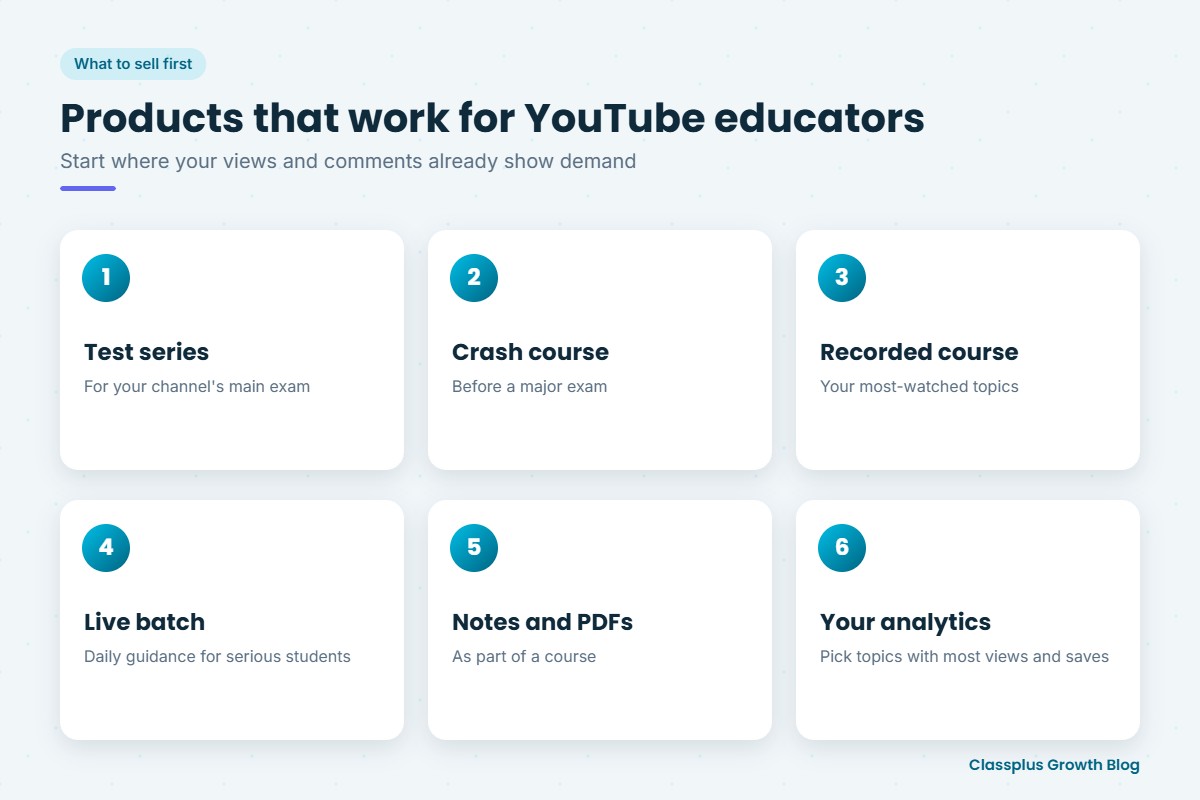
- A test series for the exam your channel focuses on
- A crash course or revision course before a major exam
- Complete recorded courses for subjects where your videos are already popular
- Live batches for students who want daily guidance
- Notes and PDFs sold as part of a course. Our guide on how to sell notes online in India has more on this
Look at your YouTube analytics and comments. The topics with the most views, saves and questions are usually the best place to start.
How to promote your app on YouTube without losing viewers
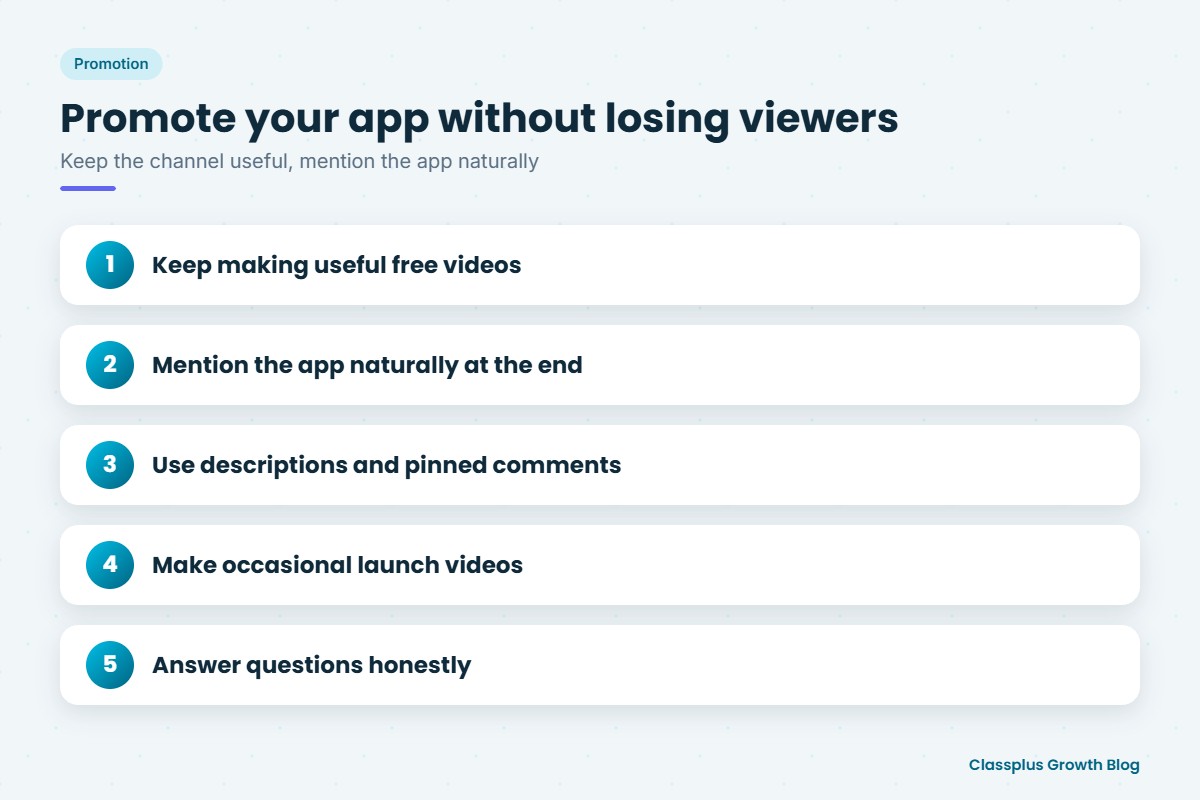
- Keep making useful free videos. Your channel only works if the free content stays good.
- Mention the app naturally. A short line at the end (“the full chapter with tests is in my app”) works better than long ads at the start.
- Use descriptions and pinned comments for the app link.
- Make occasional launch videos for new courses, explaining what is included.
- Answer questions honestly. If a student asks whether the paid course is worth it, explain who it is for and who does not need it.
Building a recognisable teacher brand helps every part of this. Our guide on personal branding for teachers covers how to do it.
Mistakes to avoid
- Sending viewers to a marketplace. If your course sits among other teachers’ courses, some of your viewers will buy from them instead.
- Putting your best content behind a paywall overnight. Move step by step and keep strong free content.
- Overpromising. Avoid claims like “guaranteed selection” in videos and course pages. Be specific about what students get.
- Ignoring paid students. Paying students expect faster replies and regular updates. Plan time for them.
How Classplus helps YouTube educators
Classplus helps educators run their own branded teaching app and website. You can sell recorded courses, run live classes, conduct test series, collect payments, offer coupons and send notifications, all under your own name. Your YouTube viewers can download your app, try your free content and buy your courses directly from you. For a wider look at earning from teaching online, see our guide on how to teach online and make money.
To see how your own app would work with your channel, book a free demo with Classplus.
Frequently Asked Questions
How can YouTube educators earn beyond ad revenue?
Many educators sell courses, test series, live batches and notes through their own teaching app, using YouTube to attract students. This gives a more stable income than ads alone.
Which teaching app is best for YouTube educators?
Look for an app with your own branding, free and paid content in one place, live and recorded classes, test series, easy payments, coupons, content security and notifications. The best choice is the one that keeps your viewers with you.
Will promoting a paid app hurt my YouTube channel?
Not if your free videos stay useful and you mention the app naturally. Most viewers accept that teachers need to earn, as long as the free content does not suffer.
What should a YouTube educator sell first?
Test series, crash courses and recorded courses for your most popular topics are often good starting points. Your YouTube analytics and comments show where demand is highest.
Do I need a large subscriber base to start selling courses?
No. A smaller, engaged audience that trusts your teaching can be enough to start. What matters most is that your paid course solves a clear problem for them.
Can I use YouTube memberships and a teaching app together?
Yes, if you qualify for YouTube’s monetisation features. Many educators use YouTube’s options for community support and a teaching app for full courses, tests and live batches.