Having your own branded teaching app means students see your name, your logo and your courses, not a list of other teachers. For many coaching institutes and educators, it is the step that turns a following into a real, independent business.
But “get your own app” hides a lot of decisions. How should it be built? What should it be called? Which features do you need on day one? Who owns the student data? Get these right and the app supports your growth for years. Get them wrong and you may have to switch platforms and move every student later.
This guide walks through the ten choices that matter most when you create your own branded teaching app, with practical questions to ask at each step.
What should you choose when creating your own branded teaching app?
Quick answer: For most teachers and coaching institutes, the best choices are a ready teaching app platform rather than building from scratch, an app name close to the brand students already know, Android first with web access, and a day-one feature set of live classes, recorded lectures, online tests, in-app payments, batches and notifications. Before you sign up, confirm what content security is offered, who owns and can export your student data, how pricing changes as you grow, and what support you will get. The ten choices below explain each decision in detail.
Choice 1: Build from scratch or use a platform
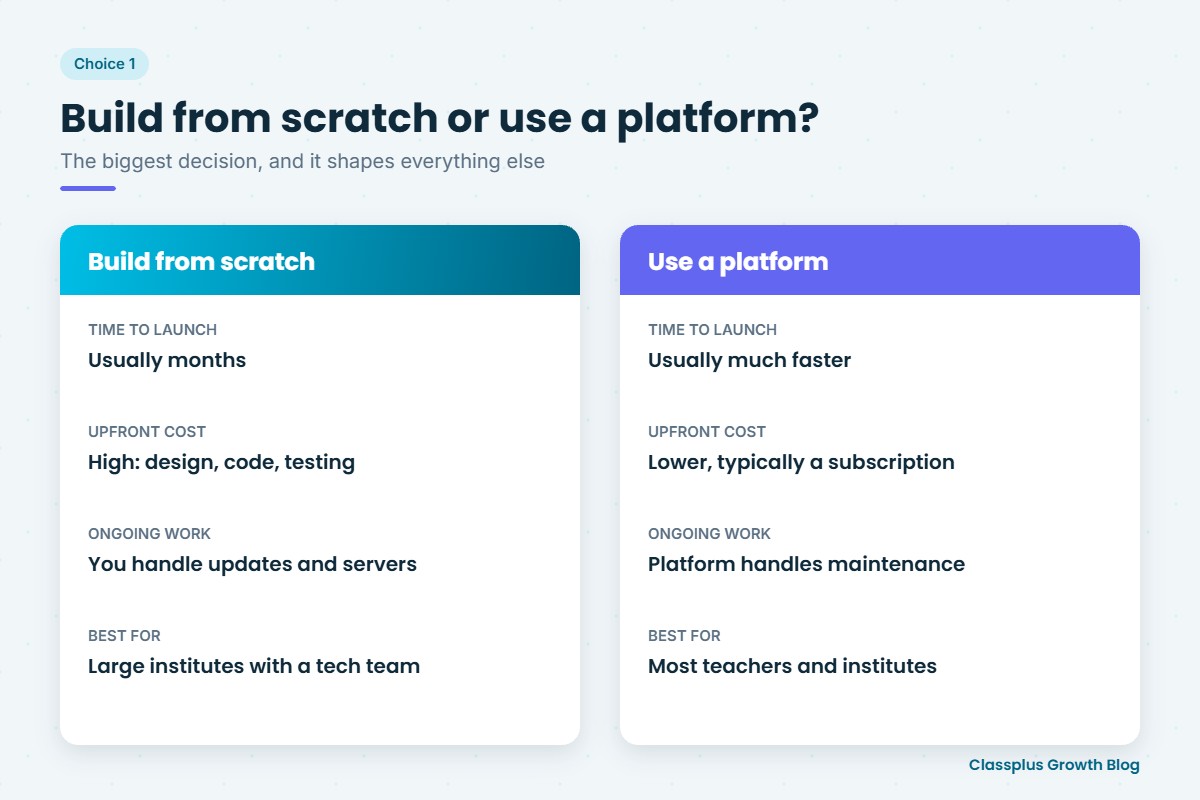
This is the biggest decision, and it shapes everything else.
| Build from scratch | Use a teaching app platform | |
|---|---|---|
| What it means | Hire developers to design and code a custom app | Set up a branded app on a platform built for educators |
| Time to launch | Usually months | Usually much faster |
| Upfront cost | High (design, development, testing) | Lower, typically a subscription |
| Ongoing work | You handle updates, bugs, servers and app store rules | The platform handles updates and maintenance |
| Flexibility | Anything you can pay for | Limited to what the platform offers |
| Best for | Large institutes with unusual needs and a tech team | Most teachers and coaching institutes |
For most educators, a platform is the practical choice: you focus on teaching while the platform handles the technology. Our guide to coaching app development cost compares the costs in more detail.
Choice 2: App name, logo and colours
Your app’s name is what students search for on the Play Store and what they tell their friends.
- Keep it close to your existing brand. If students know you as “Sharma Sir Physics”, the app should be easy to connect to that name.
- Make it easy to spell and search. Avoid unusual spellings and long names.
- Check that the name is available and not already used by someone else.
- Use a clear, simple logo that is readable as a small app icon.
- Pick two or three brand colours and use them consistently in the app, on social media and on posters.
Choice 3: Android, iOS and web
Most students in India use Android phones, so an Android app is usually the first priority. But think about:
- iOS if a meaningful share of your students use iPhones
- A website or web app for students who prefer studying on a laptop, and for parents who want to look at your courses before downloading anything
- Desktop access for teachers uploading content and managing batches
Ask your platform which of these are included, and whether they all share the same student login and content.
Choice 4: Features you need on day one
It is tempting to want everything. Start with what your students will use every week:
- Live classes if you teach live batches
- Recorded lectures and notes, organised by subject and chapter
- Online tests with automatic results
- Payments so students can buy courses inside the app
- Batch management and attendance if you run a coaching institute
- Notifications to announce classes, tests and offers
Features like detailed analytics or advanced marketing tools can come later. A simple app that students actually use beats a complicated one they ignore.
Choice 5: How students will pay
Payments decide how easily interest turns into enrolments.
- Can students pay inside the app, on a phone, in a minute?
- Is access given automatically after payment?
- Can you create coupons and launch offers?
- Can you sell different things: courses, batches, test series, bundles?
- How do payouts reach your bank account, and how often?
Ask about payment charges upfront, so there are no surprises later. For pricing ideas, see our guide on how to price an online course.
Choice 6: Content security
Your recorded lectures and notes are your most valuable assets. Ask what the platform does to protect them, for example against screen recording, easy downloading and account sharing. No app can stop every form of copying, so be clear about what is and is not covered.
Choice 7: Live class quality
If you teach live, test the live class experience yourself as a student, on a phone, on mobile data. Check video stability, how students ask doubts, and whether classes are recorded automatically. Our guide on choosing a teaching app for live classes and recorded courses has a full checklist.
Choice 8: Who owns the data
Your student list is one of your most important business assets.
- Can you export your student list and records?
- Is your content stored in a way you can access and move if needed?
- Who can contact your students: only you, or the platform as well?
You may never switch platforms, but you should always be able to.
Choice 9: The platform’s pricing model
Platforms charge in different ways, such as a fixed subscription, charges per student, or a share of sales. Ask:
- What is included in the base price?
- What happens to cost as you add students and courses?
- Are there separate charges for storage, live class hours or payments?
Work out your likely cost at today’s size and at two or three times that size.
Choice 10: Support and onboarding
Setting up an app takes some effort, especially in the first month. Good support makes a big difference:
- Will someone help you set up your first courses and batches?
- Is support available in a language your team is comfortable with?
- How quickly are problems solved, especially during live classes?
Your decision checklist
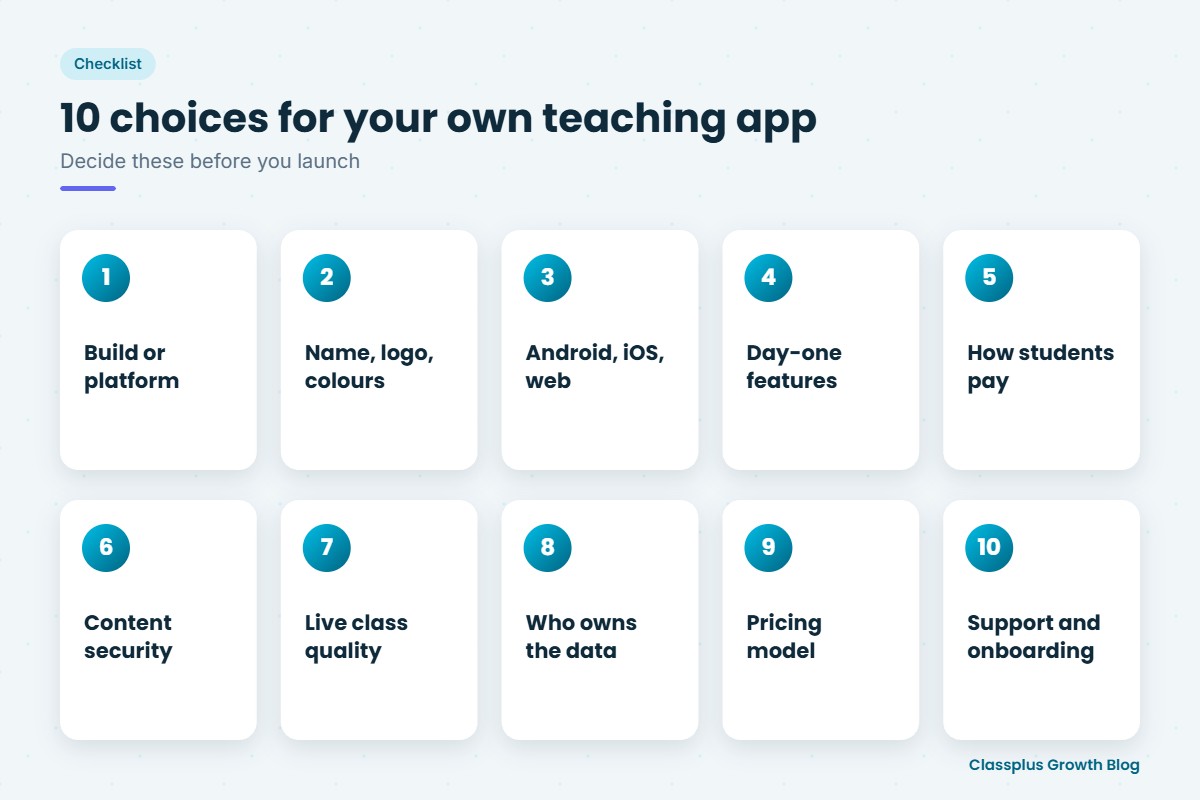
| Choice | What to decide |
|---|---|
| Build or platform | Custom development or a teaching app platform |
| Brand | App name, logo, colours |
| Devices | Android, iOS, web |
| Day-one features | Live, recorded, tests, payments, batches, notifications |
| Payments | In-app payments, coupons, payouts, charges |
| Security | What protection is offered for videos and PDFs |
| Live classes | Stability on mobile data, doubts, auto-recording |
| Data | Export and ownership of student records |
| Pricing | Base price, growth costs, extra charges |
| Support | Setup help, language, response time |
Your first 30 days after launch
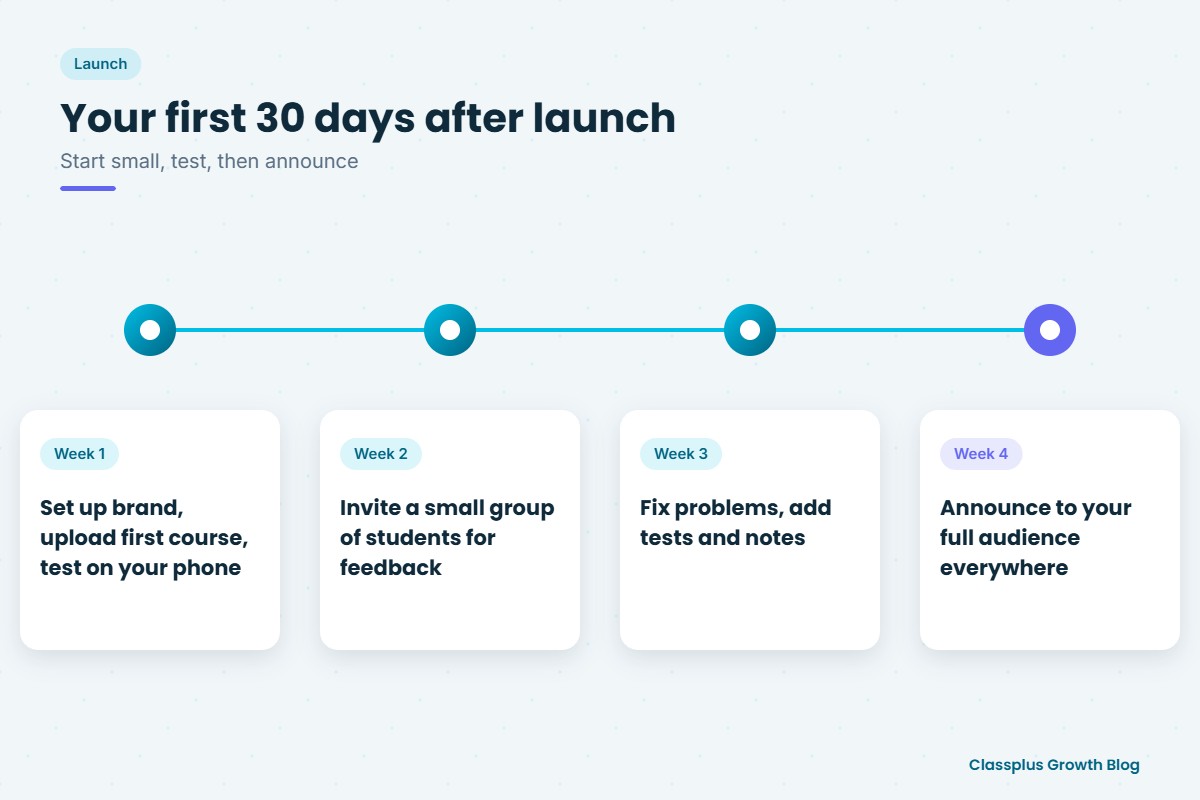
- Week 1: Set up your brand, upload your first course, and test the student experience on your own phone.
- Week 2: Invite a small group of existing students and ask for honest feedback.
- Week 3: Fix the problems they find, and add tests and notes.
- Week 4: Announce the app to your full audience on WhatsApp, YouTube, Instagram and in class.
Keep sharing the app link wherever your students already find you. Our guide on personal branding for teachers explains how to build the brand your app carries.
Mistakes to avoid
- Choosing on price alone without testing the student experience.
- Launching with no content. Students who open an empty app rarely come back.
- Ignoring data ownership until you want to switch.
- Copying another brand’s name or style. Build your own identity.
- Keeping everything on WhatsApp after launch, so students never open the app.
How Classplus helps educators create their own branded app
Classplus helps teachers and coaching institutes launch their own branded teaching app and website, with live classes, recorded courses, online tests, fee payments, coupons, batch management, notifications and content security in one place. You can read more about the benefits in our guide to an own branded app for a coaching institute.
To see what your own app could look like, book a free demo with Classplus.
Related guide: For a step-by-step overview, read our complete guide on how to choose a teaching app.
Frequently Asked Questions
What should I choose when creating my own branded teaching app?
Choose a teaching app platform over custom development unless you have a tech team, keep the app name close to your existing brand, start with Android and web, launch with live classes, recorded lectures, tests, payments, batches and notifications, and confirm content security, data ownership, pricing and support before signing up.
Should I build my teaching app from scratch or use a platform?
For most teachers and coaching institutes, a platform is faster and more affordable, because it handles development, updates and maintenance. Building from scratch suits large institutes with unusual needs and their own tech team.
What features should my own teaching app have at launch?
Start with live classes (if you teach live), recorded lectures and notes, online tests, in-app payments, batch management and notifications. Add advanced features later as students use the app.
Do I need both an Android and an iOS app?
Most students in India use Android, so start there. Add iOS and web access if many of your students use iPhones or laptops, and check that all versions share the same login and content.
How do I choose a name for my teaching app?
Keep it close to the name students already know you by, easy to spell and search, and not already used by someone else. A simple logo that reads clearly as a small icon helps.
Who owns the student data in a branded teaching app?
It depends on the platform. Ask whether you can export your student list and records, and who is allowed to contact your students, before you sign up.
How long does it take to launch my own branded teaching app?
On a platform, it is usually much faster than building from scratch. The main time goes into setting up your brand, uploading content and testing the student experience.