Many teachers have a good online course but struggle with one question: how do I get students to trust me enough to pay? A free webinar is one of the most practical answers. When you run a webinar to sell online course enrolments, students get to see how you teach, ask questions and understand what your course offers, all before they spend a rupee.
The key is to treat the webinar as a real class first and a sales event second. This guide shows you how to plan, run and follow up on a free webinar that is useful for students and honest about your course.
Choosing a Topic for Your Webinar to Sell Online Course Seats
The topic is the most important decision you will make. A good webinar topic should:
- Solve one specific problem. “How to solve time-and-work questions in under a minute” works better than “Complete aptitude preparation”.
- Be connected to your paid course. The webinar should be a small, useful piece of what the full course teaches in depth.
- Be easy to describe in one line. If you cannot explain it in a sentence on WhatsApp, it is too broad.
- Match a real question your students ask. Look at your comments, DMs and doubt sessions. The questions that come up again and again make the best topics.
The sweet spot is a topic where students leave with something usable immediately, plus a clear sense of what they gain by going deeper with you.
The Structure of a 45 to 60 Minute Webinar
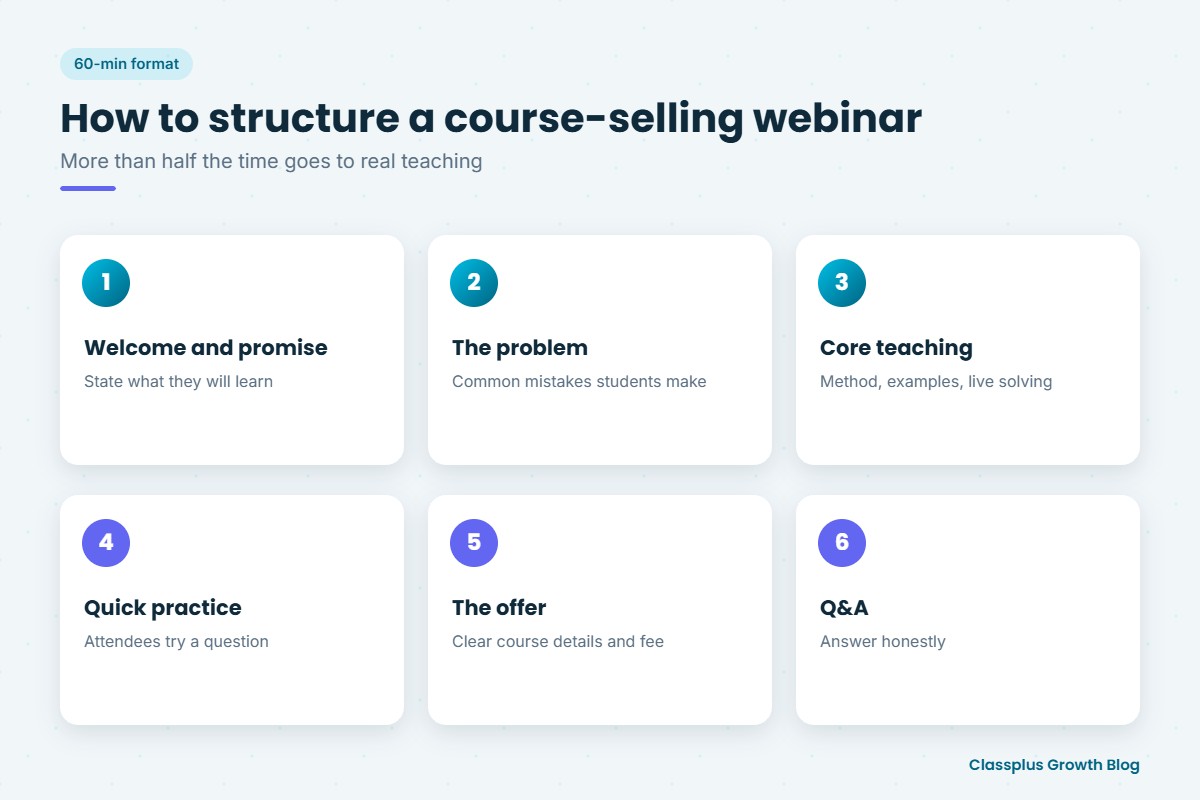
A clear structure keeps you on time and keeps attendees engaged. Here is a sample outline you can adapt.
| Time | Segment | What happens |
|---|---|---|
| 0–5 min | Welcome and promise | Introduce yourself briefly, state what attendees will learn today |
| 5–10 min | The problem | Explain why this topic is difficult and the common mistakes students make |
| 10–35 min | Core teaching | Teach the method with examples, solve problems live, invite questions in chat |
| 35–40 min | Quick practice | Give attendees one or two questions to try themselves, then discuss |
| 40–50 min | The offer | Explain the paid course, who it is for, what it includes, fee and how to join |
| 50–60 min | Q&A | Answer questions about the topic and the course honestly |
Notice that more than half the time goes to teaching. That is intentional. Real value builds trust, and trust is what makes people comfortable joining your course.
Getting Registrations Through WhatsApp, Instagram and YouTube
You do not need a big advertising budget to fill a webinar. Start with the channels where your audience already knows you.
Share the webinar topic, date, time and registration link in your groups and broadcast lists. Keep the message short and focused on what students will learn. Ask registered students to share it with friends who are preparing for the same exam or skill. Our guide on WhatsApp marketing for coaching institutes explains how to do this respectfully, without flooding people with messages.
Post a short reel teaching one quick tip from the webinar topic, with a clear invitation to register for the full session. Use stories for countdowns and reminders, and keep the registration link easy to find in your bio or story.
YouTube
If you have a YouTube channel, mention the webinar in your recent videos and pin a comment with the registration link. A short video teaching part of the topic is a natural lead-in. If YouTube is your main channel, our post on choosing a teaching app for YouTube educators covers how to move viewers into paid courses.
Whatever channel you use, collect at least a name and phone number at registration, with clear consent to contact them about the webinar and your course. That list is what makes reminders and follow-ups possible.
Reminders That Improve Attendance
Many people register for free events and then forget. A simple reminder schedule helps:
- Right after registration: A confirmation message with the date, time, link and what they will learn.
- One day before: A short reminder with one reason to attend.
- A few hours before: A reminder with the joining link.
- Ten to fifteen minutes before: A final “we are starting soon” message.
Keep reminders short, and give people an easy way to opt out.
Teach Real Value First
This is where most webinars succeed or fail. Attendees can tell within the first few minutes whether you are there to teach or only to sell.
- Start on time. Respect the people who showed up promptly.
- Teach something usable. Give a method, framework or shortcut they can apply today.
- Solve problems live. Working through examples shows your teaching style better than any slide.
- Engage the chat. Ask simple questions, call out good answers and respond to doubts.
- Do not hold back the main idea. Hiding the useful part until after the pitch feels manipulative and usually backfires.
A good test: if someone leaves before your offer, they should still feel the session was worth their time. Personal trust is built this way, which is also the foundation of personal branding for teachers.
Making the Pitch: Ethical, Clear and Specific
Once you have taught well, the pitch is simply an honest explanation of the next step. Keep it clear and calm.
What to include in the offer
- Who the course is for, and who it is not for.
- What it includes: number and type of classes, recorded lectures, tests, notes, doubt support and duration.
- How it is delivered: live, recorded or both, and the schedule.
- The fee and payment options, stated plainly.
- The refund policy, if you have one.
- How to join, with a simple link or step.
If you are unsure how to set the fee, our guide on how to price an online course walks you through it.
Deadlines and bonuses: only if they are true
A deadline can help people decide, but only use one if it is real. If you say a webinar coupon expires on Sunday night, it must actually expire then. If you say seats are limited, there must be a genuine limit, for example because you run small live batches. Fake urgency damages trust, and students talk to each other.
Avoid promising guaranteed marks, ranks or income. Describe what the course teaches and how you support students, and let the value speak for itself.
The Follow-Up Sequence
Most enrolments do not happen during the webinar itself. People need time to think, check with family or arrange payment. A thoughtful follow-up sequence makes a big difference.
| When | Message | Purpose |
|---|---|---|
| Same day | Thank-you note with recording link and key takeaway | Deliver value to attendees and those who missed it |
| Next day | Short recap of the course offer and joining link | Remind interested people of the next step |
| Two to three days later | Answers to common questions asked during the webinar | Remove doubts and objections |
| Before the real deadline (if any) | Honest reminder that the offer ends | Help people who were planning to join |
| After the deadline | Invitation to your next free class or content | Keep the relationship going |
Personal follow-up also helps. The same principles that apply when you convert a demo class into an admission apply here: listen, answer honestly and do not pressure.
Measuring What Works
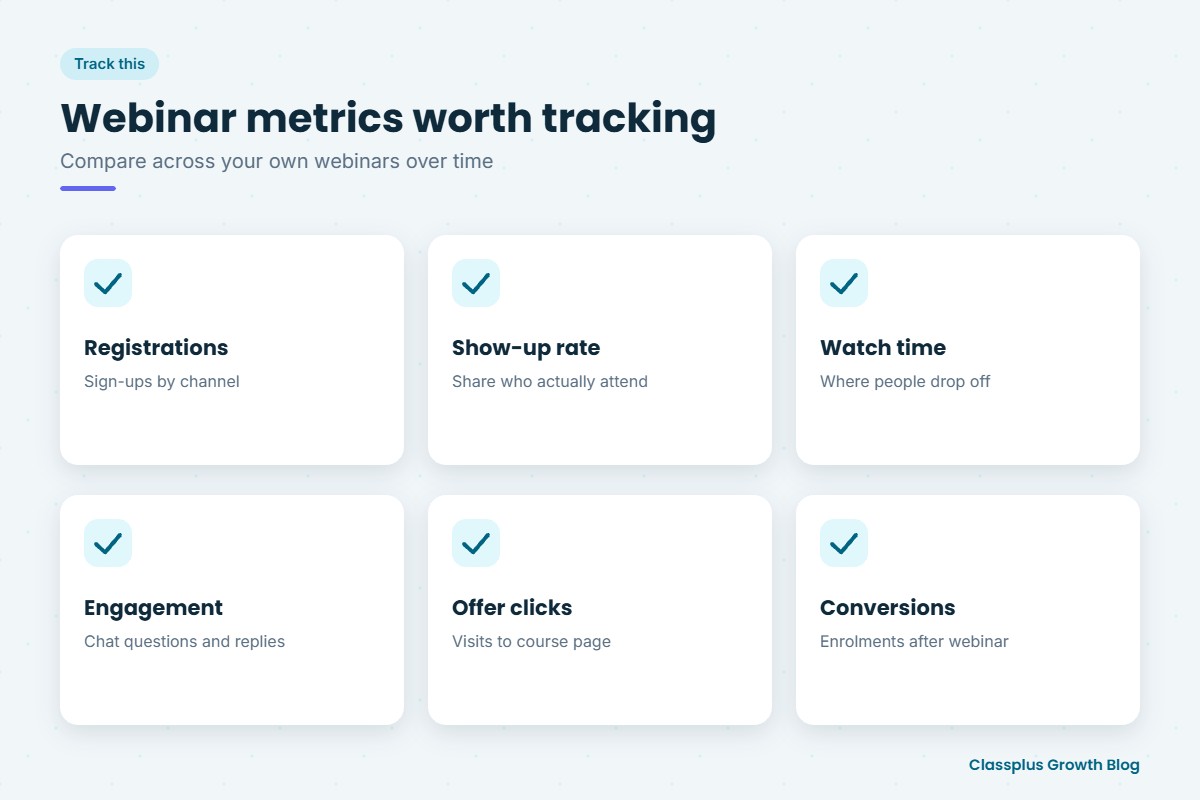
Every webinar teaches you something about your audience. Track a few simple metrics each time, so you can improve the next one.
- Registrations: How many people signed up, and from which channel.
- Show-up rate: What share of registrants actually attended.
- Watch time: How long attendees stayed, and where people dropped off.
- Questions and engagement: How many people interacted in the chat.
- Offer clicks: How many people visited your course page or payment link.
- Conversions: How many attendees enrolled, during the webinar and through follow-ups.
- Enrolments by source: Which channel brought the students who actually paid.
Compare these across your own webinars, not someone else’s benchmark. If show-up is low, work on reminders and timing. If people leave before the offer, revisit the teaching part. If many attend but few enrol, look again at your offer, price or follow-up.
Running Webinars and Courses on Your Own App
A webinar is only the first step. Once a student decides to join, they need a smooth experience: easy payment, instant access to classes and a place to find notes, tests and recordings.
With Classplus, you get your own branded app and website where you can run live classes, sell recorded courses, offer online tests, collect fees with coupons and send notifications to students. Your content stays secure, batches and attendance are easy to manage, and Classplus offers marketing assistance as you grow. Pricing is shared during a demo, so you can book a free demo with Classplus to see how it fits your webinar-to-course funnel.
Conclusion
A free webinar to sell online course enrolments works best when it is a genuinely useful class. Pick a focused topic connected to your course, follow a clear 45 to 60 minute structure, fill seats through the channels where your students already follow you, and send simple reminders. Teach real value first, make an honest and specific offer, use deadlines only when they are true, and follow up thoughtfully. Track your own numbers and improve one thing each time.
Done consistently, webinars build trust and grow your student base without pushy sales.
Frequently Asked Questions
How long should a free webinar be?
Most teachers find 45 to 60 minutes works well. It gives enough time to teach a useful method, take questions and explain the course without losing attention. If your topic is simple, a shorter session is perfectly fine.
How often should I run webinars to sell my course?
That depends on your capacity and how often you open new batches. Many teachers run one before each enrolment window. Running them regularly also helps you test topics and improve your teaching and offer over time.
Should I share the webinar recording?
Sharing the recording with registrants is helpful, because many people miss live sessions. It gives them another chance to see your teaching and learn about the course. Some teachers keep the recording available only for a limited time, which is fine if stated honestly.
Is it okay to use a countdown or deadline in the pitch?
Only if it is real. If a discount or bonus genuinely ends at a certain time, you can mention it. Creating false urgency damages trust and can hurt your reputation with students and parents.
What if very few people attend my first webinar?
That is common when starting out. Treat it as practice, teach the people who came as well as you can and share the recording afterward. Review your topic, timing and reminders, and improve them for the next session.
Which metrics should I track after a webinar?
Track registrations, show-up rate, watch time, engagement, offer clicks and enrolments, along with which channel each student came from. Compare these numbers across your own webinars to see what is improving and what needs work.