If you teach in India and have started looking at platforms to sell your courses, you have probably come across Teachable, a well-known name from the global creator world. Sooner or later the search becomes classplus vs teachable: should you go with an international course platform, or with one built around Indian teachers and coaching institutes? Both help you earn from your teaching, but they are designed for different kinds of businesses, and that difference shows up in pricing, apps, tests and daily operations.
This guide sets out what each platform offers and what to check before you commit.
How we checked: we reviewed Teachable’s official pages (homepage, pricing page, online courses page, payments page and two mobile app help articles on support.teachable.com) in October 2026 and recorded only what those pages stated. Features and prices change, so confirm everything directly before you buy.
Classplus vs Teachable: the short answer
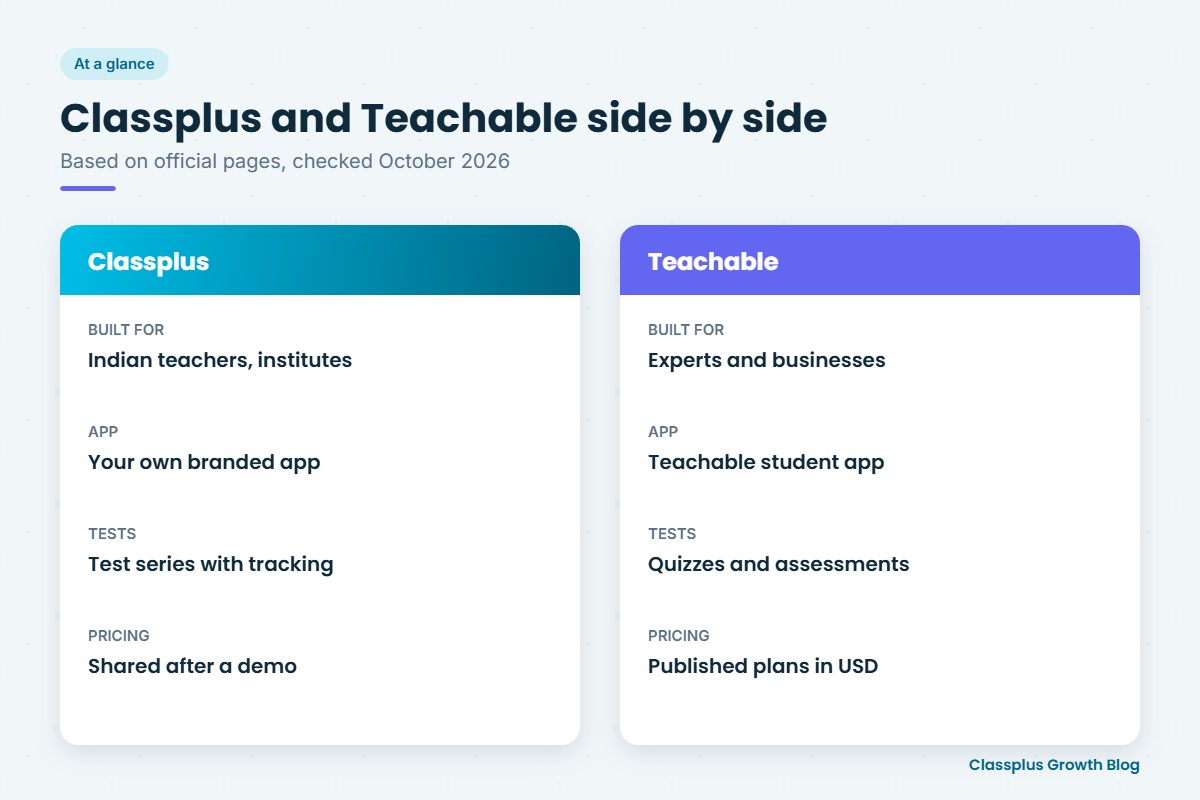
Teachable’s homepage describes it as an all-in-one platform for experts and businesses to create and sell online products. Its pages list online courses, coaching, digital downloads, memberships and communities, with prices shown in US dollars.
Classplus is built for educators and coaching institutes. It gives you your own branded app and website, live classes, recorded courses, online tests and test series with performance tracking, fee payments, batch management and attendance in one place.
So, broadly: if you sell self-paced courses and digital products to a global audience and are comfortable with dollar billing, Teachable is worth exploring. If you teach Indian students, run regular batches, conduct tests and collect fees under your own brand, Classplus is designed for that daily work.
What Classplus offers
Classplus is an Indian platform that helps teachers and coaching institutes run their own branded teaching business. It covers:
- Your own branded app and website.
- Live classes.
- Recorded courses, so you can sell courses online and keep earning from lessons you have already recorded.
- Online tests and test series with test performance tracking, which matters for exam preparation.
- Fee payments and coupons, so students pay inside your app and you can run offers.
- Batch management and attendance for institutes running several batches at once.
- Notifications to remind students about classes, tests and new content.
- Content security to help protect your videos and study material.
- Marketing assistance to help you reach and convert more students.
Classplus pricing is not published on its website. It is shared after a demo, based on your needs.
What Teachable offers (as checked in October 2026)
Teachable’s pages describe a platform for selling several kinds of online products. Features stated across its official pages include:
- Online courses with “unlimited videos”, drip content and completion certificates, per its online courses page.
- Quizzes and assessments: the pricing page lists “auto-graded quizzes” and “short answer assessments”, and the homepage mentions a quiz generator.
- Coaching, described on the homepage as one-on-one or group online coaching sessions.
- Digital downloads and memberships, including subscription models.
- Community, which the homepage says you can add for your students. On the pricing page, Community appears in the Builder, Growth and Custom plans, not in Starter.
- Live sessions: the online courses page lists “live sessions” among its tools, and its FAQ says Teachable is built for self-paced courses by default but you can host live courses using third-party embeds, including Zoom.
- Mobile apps: the pricing page lists “iOS & Android student apps” on the Starter, Builder and Growth plans. Teachable’s help articles describe these as Teachable’s own app, which students find by searching for “Teachable” in the App Store. A creator-branded or white-label app was not found on the pages we reviewed.
- Branding: “Remove Teachable branding” is listed only on the Growth and Custom plans.
- Payments: the payments page mentions card logos, Apple Pay and Google Pay, buy now pay later options (marked as a paid add-on), and showing prices to students in their local currency at checkout.
Pricing (as checked in October 2026): Teachable’s pricing page showed four plans in US dollars. Starter was $39 per month billed monthly or $29 per month billed annually, with a 7.5% transaction fee and 5 products. Builder was $89 per month billed monthly or $69 per month billed annually, with 10 products. Growth was $189 per month billed monthly or $139 per month billed annually, with 50 products. Custom was “Contact sales”. Builder, Growth and Custom showed a 0% transaction fee, which the page’s FAQ says applies when you use Teachable Payments; card and PayPal processing fees are listed separately and may still apply. India, INR and UPI were not found on the pages we reviewed. Prices change, so confirm before you buy.
Classplus vs Teachable comparison table
| Factor | Classplus | Teachable (as checked October 2026) |
|---|---|---|
| Main audience | Teachers, educators and coaching institutes | Experts and businesses selling online products |
| Branded app | Own branded app | iOS and Android student apps listed; help articles describe them as the Teachable app |
| Website | Own branded website | School website; removing Teachable branding listed on Growth and Custom plans |
| Live classes | Yes | “Live sessions” listed; live courses via third-party embeds such as Zoom |
| Recorded courses | Yes, sell courses online | Yes, with unlimited videos, drip content and certificates |
| Tests | Online tests and test series with performance tracking | Auto-graded quizzes and short answer assessments |
| Coaching and community | Live classes and batches | Coaching listed; Community on Builder and above |
| Payments | Fee payments and coupons | Cards, Apple Pay, Google Pay, buy now pay later add-on; UPI not found on the pages we reviewed |
| Batch management and attendance | Yes | Not found on the pages we reviewed |
| Marketing | Notifications and marketing assistance | AI tools listed on its homepage |
| Content security | Yes | Not found on the pages we reviewed |
| Pricing | Not published; shared after a demo | Published plans in USD, monthly or annual billing |
Who should choose which
Classplus may suit you if
- You teach academic subjects or competitive exams to Indian students and run regular batches.
- Test series and student performance tracking are central to your coaching.
- You want students to download an app with your own brand name on it.
- You need fee collection, batch management and attendance in the same app your students use.
Teachable may suit you if
- You sell self-paced courses, digital downloads or memberships, often to an international audience.
- You want to bundle coaching and a community with your courses.
- You are comfortable paying a platform subscription in US dollars.
- Your students are fine using the Teachable app or a web browser to learn.
Think about where you want to be in two years, not only what you need this month.
Questions to ask before you choose
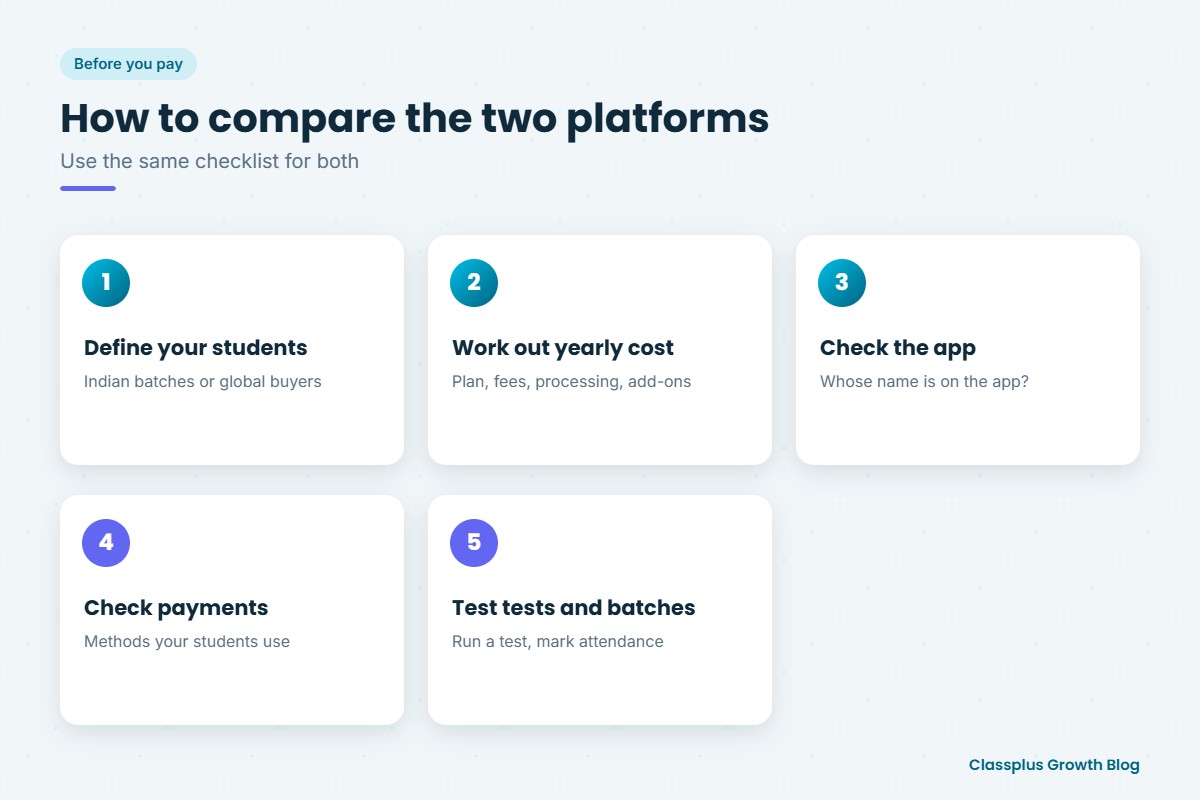
- Will my students download an app with my brand name, or the platform’s app?
- What is my total yearly cost, including subscription, transaction fees, payment processing and any add-ons?
- Can my students pay with the methods they already use, such as UPI?
- How do live classes run, and can students join from the app?
- Can I build a complete test series and track each student’s performance over time?
- How do I manage multiple batches and mark attendance?
- What content protection is included for my videos and PDFs?
Common mistakes when comparing platforms
- Comparing only the headline price. A plan billed in dollars, plus transaction and processing fees, can look very different once you add a full year of sales. Work out the yearly total at your expected sales.
- Ignoring how students pay. For Indian students, a familiar payment method at checkout can affect how many complete the purchase.
- Assuming “mobile app” means your own app. Check whose name students will see on the app store.
- Choosing for today’s product only. If you plan to move from one recorded course to daily batches, check batch, attendance and test features now.
Related reading
- Classplus vs online teaching platforms in India
- How to choose a teaching app
- Branded teaching app choices
- Sell recorded courses with UPI
- Sell test series online
- How to price an online course
Conclusion: choosing between Classplus and Teachable
The classplus vs teachable decision comes down to who your students are and how you teach them. Teachable lists a global toolkit for courses, coaching, digital downloads, memberships and communities, with published plans in US dollars and student apps under the Teachable name. Classplus is built for Indian teachers and coaching institutes, with your own branded app and website, live classes, recorded courses, test series with performance tracking, fee payments, batch management, attendance, notifications, content security and marketing assistance.
Write down what you teach, how often you teach live, how you test students and how they pay, then compare both platforms against that list. If you run batches, tests and fee collection under your own brand, book a free demo with Classplus and see how it fits your institute.
Frequently Asked Questions
What is the main difference between Classplus and Teachable?
Classplus is built for Indian teachers and coaching institutes, with a branded app, live classes, test series, fee payments, batch management and attendance. Teachable describes itself as an all-in-one platform for experts and businesses to sell online courses, coaching, digital downloads, memberships and communities, with pricing in US dollars.
How much does Teachable cost?
In October 2026, Teachable’s pricing page listed Starter, Builder and Growth plans in US dollars, with lower monthly rates when billed annually, plus a Custom plan through its sales team. Starter showed a 7.5% transaction fee, and payment processing fees were listed separately. Prices change, so check Teachable’s pricing page before you decide.
Is Classplus pricing published?
No. Classplus pricing is not published on its website. It is shared after a demo, based on your institute’s needs.
Does Teachable give me my own branded app?
Teachable’s pricing page lists iOS and Android student apps, and its help articles describe these as the Teachable app that students download from the app stores. A creator-branded app was not found on the pages we reviewed. Classplus gives you your own branded app and website.
Can I conduct tests on Teachable?
Teachable’s pricing page lists auto-graded quizzes and short answer assessments. A full test series workflow with performance tracking was not described on the pages we reviewed, so ask Teachable directly if that matters to you. Classplus offers online tests and test series with test performance tracking.
Which platform is better for a coaching institute in India?
For an institute running regular batches with tests, attendance and fee collection for Indian students, Classplus is designed around that work. Teachable can suit creators selling self-paced courses and digital products to a wider audience. Comparing both against your own weekly schedule is the best way to decide.