No need to be an expert editor to produce great videos! Your phone can turn raw videos into lovely lessons with simple apps like CapCut or InShot. Just like Sneha Ma’am, who edits every one of her Classplus lectures within 15 minutes! Let’s check what the most useful apps are that will make you shine online this year.

1. CapUse Case:
Edit your Classplus lessons on the go, and make app shorts or popular social media reels.
How to Use:
Download CapCut (mobile or desktop, free).
Import your Classplus lesson video.
Trim and add text, music, or stickers no technical expertise needed!
Export and upload directly to your Classplus store or community.
Benefits:
Very beginner-friendly.
Templates save time for busy teachers.
Auto-captions allow more students to be engaged.
2. Microsoft Clipchamp
Use Case:
Make professional lesson introductions, demo videos for your Classplus home page, or marketing materials for your courses.
How to Use:
Edit in browser.
Drag in your videos, and add stock music or transitions.
Edit using drag-and-drop controls, perfect for creating quick materials.
Benefits:
No watermark on free exports.
Pre-installed AI features speed up editing.
Perfect for branding your teacher profile.
3. DaVinci Resolve
Use Case:
Want to create high-quality, premium video lessons for your Classplus batch? This is for teachers who enhance content quality in due course.
How to Use:
Install it on your laptop.
Import and trim clips, boost sound, and add effects for your academy.
Export in high quality for smooth sharing on Classplus.
Benefits:
Free but effective.
Professional appearance for your Classplus courses.
4. Canva Video Editor
Use Case:
Design animated lesson announcements, course introduction videos, and promo banners for your Classplus app page.
How to Use:
Head to Canva or use the app.
Choose an education template.
Add images, music, or animation.
Download and share directly on your Classplus posts or messages.
Benefits:
Pre-designed templates for teachers.
Makes your Classplus branding stand out.
5. Filmora
Use Case:
Edit, polish, and perfect long-form class tutorials before uploading to your Classplus app or sharing with students.
How to Use:
Download Filmora.
Utilize the in-built recorder or import your lesson.
Apply effects, subtitles, or transitions.
Advantages:
Simple interface for bulk Classplus content.
Educational effects resource library.
6. OBS Studio
Usage:
Live stream your Classplus classes, record comprehensive screen tutorials, or make step-by-step demo videos.
How to Use:
Configure webcam and microphone in OBS.
Live stream or record for your Classplus students.
Save and share directly from your Classplus platform.
Advantages:
Best option for live instruction on Classplus.
100% free and reliable for educators.
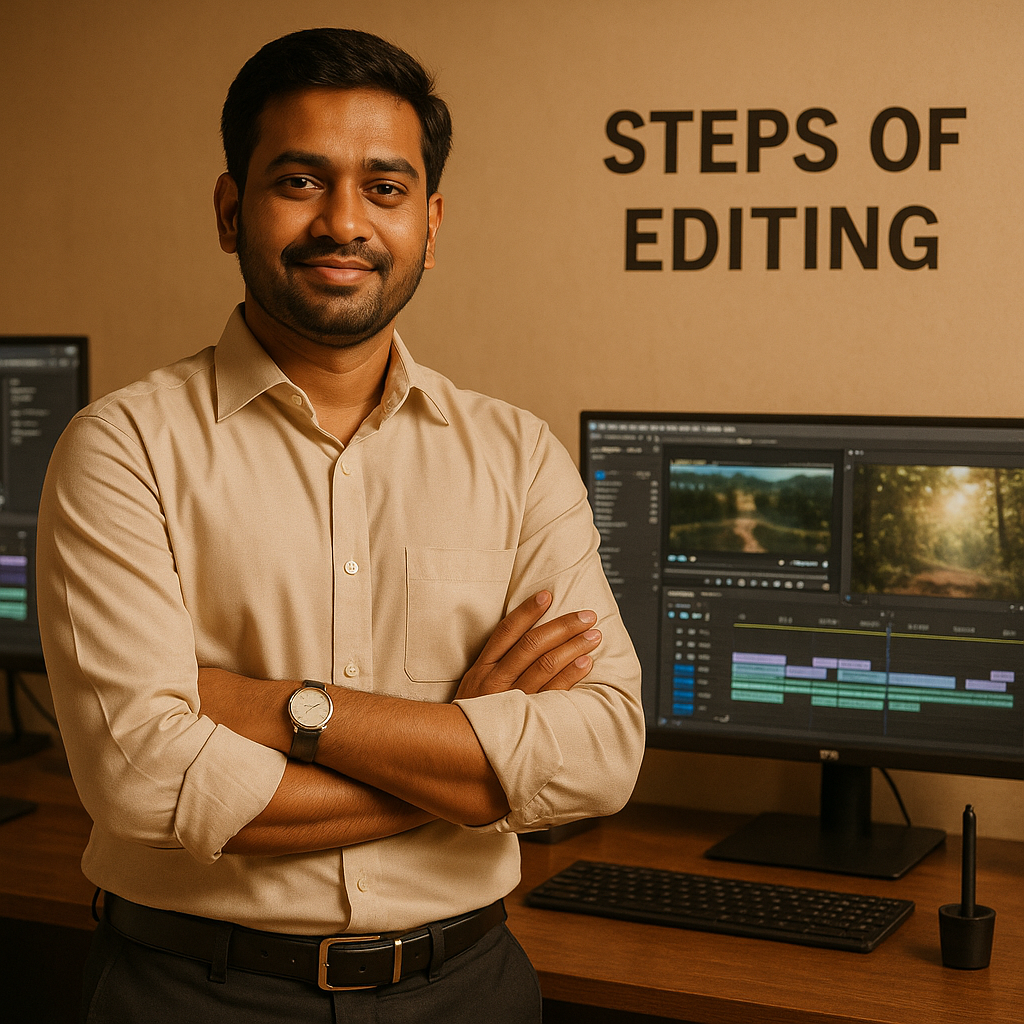
Editing Steps (Any App)
Place your video lesson into your desired editor.
Trim to remove mistakes or downtime.
Add text, images, or sound.
Add transitions or effects for a professional Classplus lesson.
Export and upload to your Classplus app, site, or social channel!
Final Thoughts
By 2025, the right editing app will refine your online teaching experience and make it more enjoyable. With Classplus, your edited lessons not only appear better, but they also reach more students, get shared faster, and build your teaching brand.
Also Read: Budget-Friendly Online Studio: Setup Guide