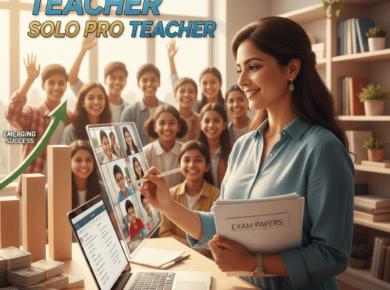
Wishing to have a trendy online teaching setup but concerned about expenses? Worry not! You don’t have to invest in a high-tech studio to rock it. Sushmita Ma’am from Lucknow educates hundreds with nothing but her smartphone, ring light, and peaceful corner at home. Here’s your easy, affordable guide to creating your own!
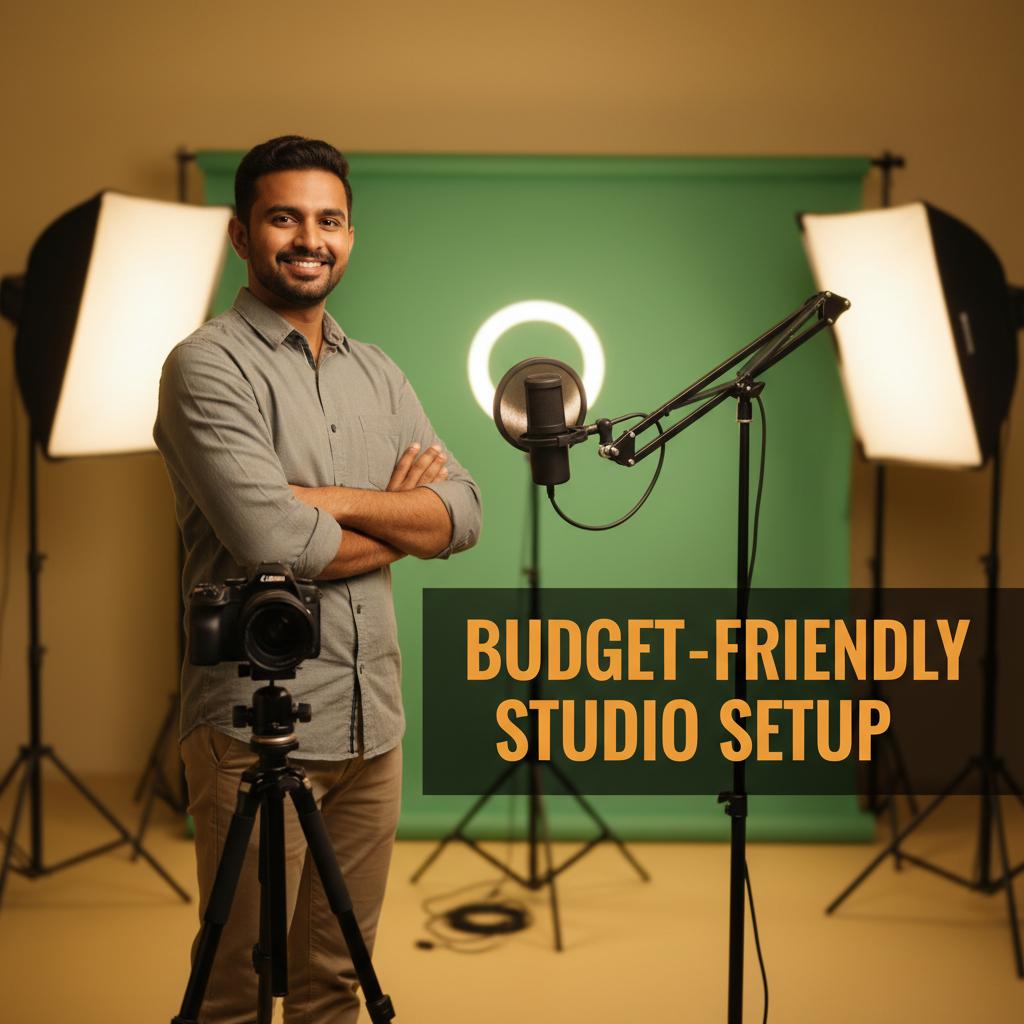
1- Price in Rupees
Basic Setup: A basic setup of ₹8,500 can get you started with your online teaching experience just like Meena Ma’am from Jaipur did, with her phone, a clip-on mic, and proper lighting. She runs her online batches using Classplus for seamless content sharing and student management.
Mid-Range Upgrade: As you expand, spending ₹20k–₹37k provides that additional touch with improved equipment and a clean environment. Classplus lets you showcase improved quality through your recordings and live classes all in one platform.
Advanced Studio: Ready to take the big leap? ₹1.5 lakh+ can provide you with a proper studio setup, ideal for professional coaching classes and video content that stands out. Classplus supports such growth by letting you market, sell, and deliver advanced video content to more students.
2- Steps to Use Each Product
Microphone
– Connect the mic to your phone or laptop’s audio jack.
– Try with a trial recording.
– Clip at chest level for crisp, noise-free sound.
Camera/Smartphone
– Mount on a tripod, facing eye level or just above.
– Utilize the back camera for greater clarity.
– Select a plain, clean background.
Lighting
– Position lights 45 degrees away from your face for a soft, smooth light.
– Opt for daylight wherever available, but a ring or LED light performs a miracle during evenings or monsoons.
Headphones
Utilize while live teaching to listen to your own sound and prevent echo or feedback.
3- Advantages of a Home Studio
– Your classes sound and look professional; students trust refined tutors!
– Record lessons at any time; easily customize for YouTube, WhatsApp, or live classes.
– Assists with improved student focus and engagement. Good sound and clear visuals count!
4- Best Educational Software for Teachers (Free Resources!)
– OBS Studio (for recording/screen streaming)
– Canva and Google Slides (for great visuals and presentations)
– DaVinci Resolve (for easy video editing)
– All are beginner-friendly; there are lots of YouTube tutorials to help you begin.
5- Additional Tips and Add-ons
– Neat, cable-free backgrounds never fail to impress; utilize a plain wall or printed paper as a background.
– Keep your cables organized with clips or ties for a clean workspace.
– As your student population increases, use a whiteboard or green screen for live lessons.
– Buy a backup battery (power bank) to remain online in case of outages!
Also Read: LMS or LXP? The Complete 2025 Guide