
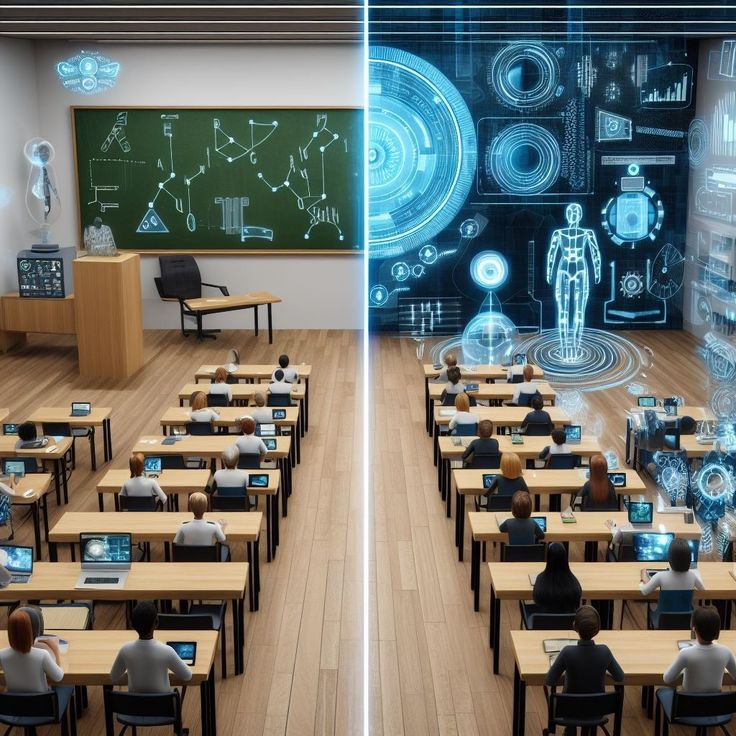
In a world where technology is constantly evolving, the classroom is no exception. Digital tools have moved from being a luxury to a necessity, fundamentally changing the way teachers teach and students learn. For modern educators, a well-equipped digital toolkit is the key to creating an engaging, efficient, and effective learning environment.
Here’s a look at the essential digital tools that every teacher should be using:
1. Learning Management Systems (LMS)
An LMS is the digital backbone of a modern classroom. It’s a platform where teachers can manage all aspects of their course, from sharing materials and assigning homework to tracking student progress.
- What they do: An LMS centralizes everything. It helps you organize your lessons into modules, upload documents and videos, create assignments, and communicate with students and parents.
- Examples: Google Classroom, Canvas, and Moodle are well-known options.
2. Interactive Presentation & Collaboration Tools
Gone are the days of static lectures. Interactive tools make lessons dynamic and encourage active participation from students, whether they are in a physical classroom or learning remotely.
- What they do: These tools allow you to create engaging presentations with embedded quizzes, polls, and interactive activities. They also act as virtual whiteboards where teachers and students can collaborate in real-time.
- Examples: Nearpod, Pear Deck, and Padlet transform presentations into collaborative experiences. Miro and Microsoft Whiteboard provide a canvas for group work and brainstorming.
3. Video-Based Learning Tools
Videos are a powerful medium for delivering content, and digital tools have made it easy for teachers to create and integrate them into their lessons.
- What they do: You can use these tools to create interactive video lessons by adding questions, notes, and quizzes. They turn passive video watching into an active learning experience. You can also use them to record lectures or create explainer videos for your students to watch at their own pace.
- Examples: Edpuzzle and Loom are popular for creating and sharing video lessons.
4. Assessment and Gamification Tools
Making assessments fun and providing instant feedback is crucial for student engagement. Gamification tools add an element of competition and play to the learning process.
- What they do: These platforms allow you to create quick, interactive quizzes and games that students can play on their devices. They provide real-time feedback and data on student performance, helping you identify areas where students might be struggling.
- Examples: Kahoot! and Quizizz are famous for their engaging, game-based quizzes. Quizlet is excellent for creating digital flashcards and study sets.
5. Content Creation and Design Tools
Today’s teachers are not just educators; they are also content creators. Visually appealing and well-designed materials can significantly improve the learning experience.
- What they do: These tools provide templates and easy-to-use features for designing professional-looking presentations, worksheets, infographics, and social media posts to promote your work.
- Examples: Canva is a go-to for its user-friendly interface and vast library of templates. Adobe Express is another powerful option for creating multimedia content.
The Classplus Advantage: An All-in-One Solution for the Modern Educator
While using a mix of different tools can be effective, managing multiple platforms can be cumbersome and time-consuming. This is where an all-in-one solution like Classplus becomes a game-changer.
Classplus is not just another digital tool; it is a comprehensive ecosystem designed specifically for educators and coaching institutes. It integrates many of the functionalities mentioned above into a single, branded mobile app.
- Centralized Operations: Instead of juggling separate apps for live classes (like Zoom), student communication (like WhatsApp), and payments, Classplus consolidates everything. You can conduct live classes, share recorded lectures, create and grade assignments, and collect fees—all from one platform.
- Branding and Ownership: Unlike generic platforms, Classplus empowers you to build your own brand. You get a dedicated app with your name and logo, which helps you build trust and a professional identity in the competitive digital education space.
- Seamless Experience: For your students and their parents, the experience is streamlined. They have one app to access all your courses, content, and communications, reducing confusion and improving engagement.
In conclusion, digital tools are indispensable for the modern teacher. They enhance student engagement, streamline administrative tasks, and provide new ways to create and deliver content. By leveraging a powerful, all-in-one platform like Classplus, educators can move beyond the technical complexities of a fragmented digital toolkit and focus on what they do best: teaching and inspiring the next generation.
Also Read: digital-tools-in-education-complete-guide




